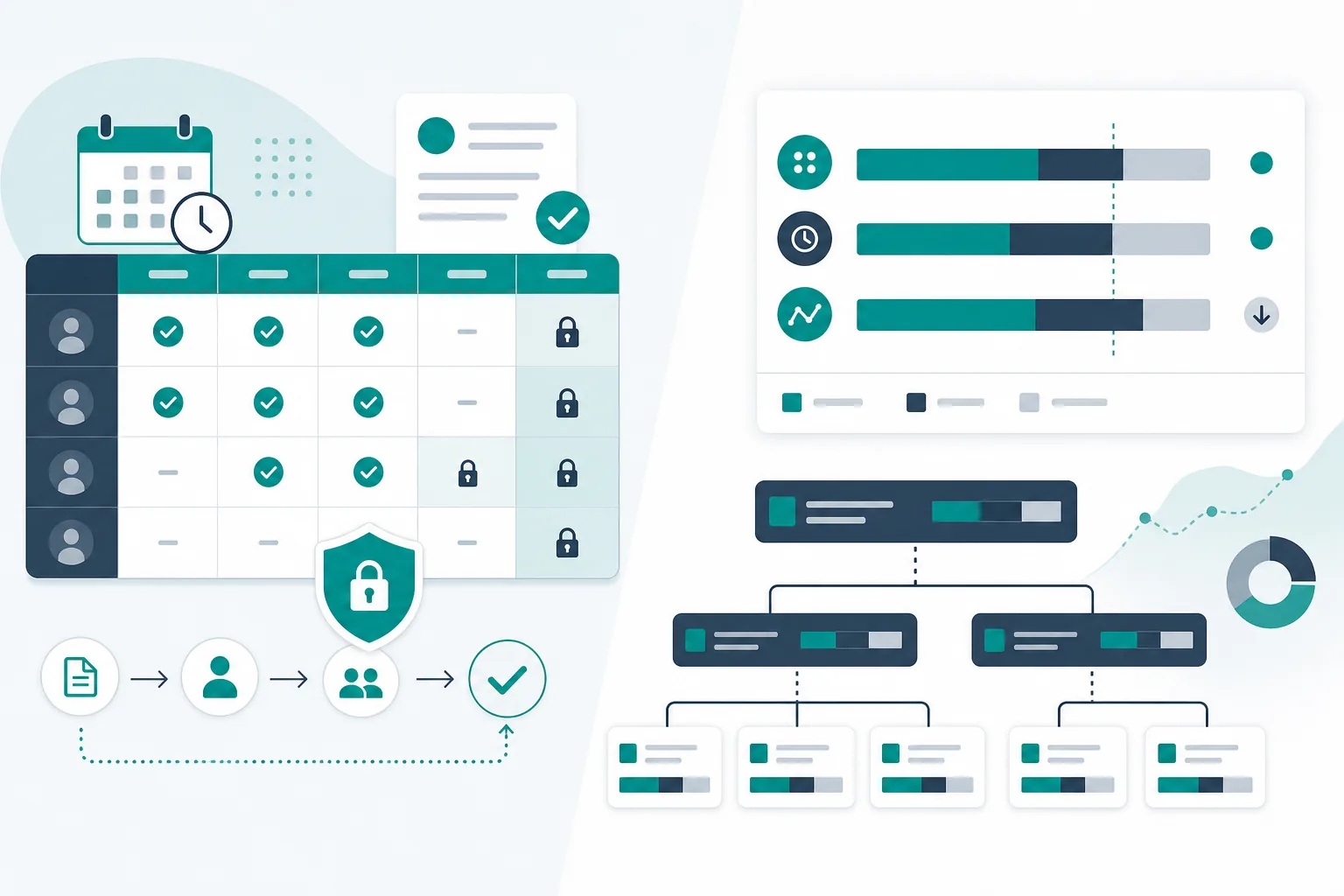
A worklog records effort on an issue. A timesheet groups entries into a period for review. Approval adds a separate decision about that submitted record. Define all three before using a total for billing, customer reporting, or internal controls.
This guide focuses on operating a period-based review. If you are still choosing between timers, timesheets, and roll-up tools, begin with the Jira time-app category comparison.
Define the period and its records
Choose the start and end dates, timezone, included people, and issue scope. Decide which date assigns an entry to a period: the date the work occurred should not be silently replaced by the date someone entered it.
Keep the information needed to review an entry:
| Information | Purpose |
|---|---|
| Contributor and worklog reference | Identify the original entry |
| Issue key | Locate the work and its context |
| Work date | Assign effort to the intended period |
| Duration and unit | Recalculate the total |
| Description | Understand the activity at an appropriate level |
| Billing classification, if used | Apply the agreed business rule |
| Correction or approval reference | Explain later changes |
Do not use an issue's lifetime time-spent field as a substitute for all its dated worklogs in a weekly report. Those are different aggregations.
Reconcile a small synthetic week
These entries are fictional and describe no real person's work.
| Contributor | Work day | Issue | Hours | Classification |
|---|---|---|---|---|
| Alex | Monday | WORK-1 | 2 | Client work |
| Alex | Monday | WORK-2 | 1 | Internal |
| Alex | Tuesday | WORK-1 | 3 | Client work |
| Morgan | Wednesday | WORK-3 | 4 | Client work |
| Total | 10 |
Alex's total is six hours; Morgan's is four. Nine hours are classified as client work and one as internal. That classification does not, by itself, mean the nine hours are approved or billable under a customer agreement.
If Monday's WORK-1 entry is later corrected from two hours to 1.5 hours, the total becomes 9.5 hours and the client-classified total becomes 8.5. The review record must make clear whether the approved version includes that correction.
Separate submission, review, and closure
A useful operating process has these steps, whatever labels your chosen tool uses:
- The contributor reviews and submits the period.
- A reviewer checks completeness and the applicable business rules.
- Incorrect entries are returned with a specific reason.
- The contributor corrects and resubmits the record.
- The reviewer approves the identified version.
- The period is closed or otherwise controlled under the organization's process.
Tempo's submission documentation describes a timesheet review workflow and permissions. Use the instructions for your installed edition; the sequence above is an operating model, not a promise that every Jira time app implements the same states or controls.
Review evidence rather than a total alone
Check that entries belong to the period and scope, have understandable descriptions, and use the intended classification. Resolve apparent duplicates or late entries with the contributor.
Avoid automatically treating a worklog total as a performance score. A record can be suitable for billing review without measuring the complexity, value, or quality of someone's work.
If a customer requires approval, identify whose approval satisfies the agreement. An internal manager's approval and a customer's acceptance are different decisions.
Decide how corrections work after approval
Write down who can reopen a period, what reason is required, and how the revised record is reviewed. Check the actual permissions and behavior in your tool rather than relying on an “approved” badge to imply immutability.
When a correction affects an export or invoice already sent, preserve the earlier version and reconcile the difference through the relevant business process. Do not silently replace a file and expect recipients to know its numbers changed.
For the synthetic correction above, a short note could say: “WORK-1 Monday duration corrected by −0.5 hours; revised period total 9.5 hours.” The record should also identify who reviewed that revision.
Reconcile dates, revisions and duplicate export rows
The worklog reconciliation CSV is an original synthetic review snapshot with eight observations and seven worklog IDs. It includes revisions and a deletion flag for this exercise; it is not a raw Jira API response or a claim about the columns in every export.
Use September 2026 in Europe/Vilnius as the reporting period, including September 1 and excluding October 1. For each worklog ID, keep the latest recorded revision by its updated timestamp. Then apply the period to the work's started time and exclude records flagged as deleted in this snapshot.
| Worklog | Detail to check | Hours included |
|---|---|---|
| 1001 | August 31 at 22:00 UTC is September 1 at 01:00 in the chosen timezone | 1 |
| 1002 | September 30 at 21:30 UTC is October 1 at 00:30 locally | 0 |
| 1003 | Two revisions record 3,600 and 5,400 seconds; the later revision replaces the earlier one | 1.5 |
| 1004 | August 31 at 20:00 UTC is still August locally | 0 |
| 1005 | A September entry with an explicit +03:00 offset | 0.5 |
| 1006 | Deleted in the normalized review snapshot | 0 |
| 1007 | A two-hour September entry | 2 |
The checked result is five hours across four included worklogs. Download the expected decisions and totals to reproduce the review. Our reference calculation also rejects conflicting values for the same ID and update timestamp, because it cannot select a trustworthy winner from that evidence.
For a real export, establish whether it contains current records or revision history, whether deletions are represented, and whether permissions omit entries. Do not assume the absence of an entry proves deletion. Retain the extraction time and prior report if a correction affects a period already shared.
This date-and-record check complements the estimate-versus-actual calculation: a lifetime issue total and a month's eligible worklogs answer different questions.
Export a report that another person can check
Include the period, timezone, capture date, unit, scope, and review status. Retain entry-level references where appropriate so a recipient can ask about a specific row.
An export of ten hours is not enough to establish that the ten hours belong to the current week, passed review, or are billable. Those meanings come from the records and process around the total.
TimePillar is positioned around effort reporting and hierarchy roll-ups. Evaluate a separate supported workflow when you need period submission, approval, or closure. For a related-issue effort calculation, use the estimate-versus-actual example.
Start with one reporting period and one correction. If your team can explain both the original total and its revised approval state, the process has a practical foundation.