• Jun 29, 2026
  • 11 min read
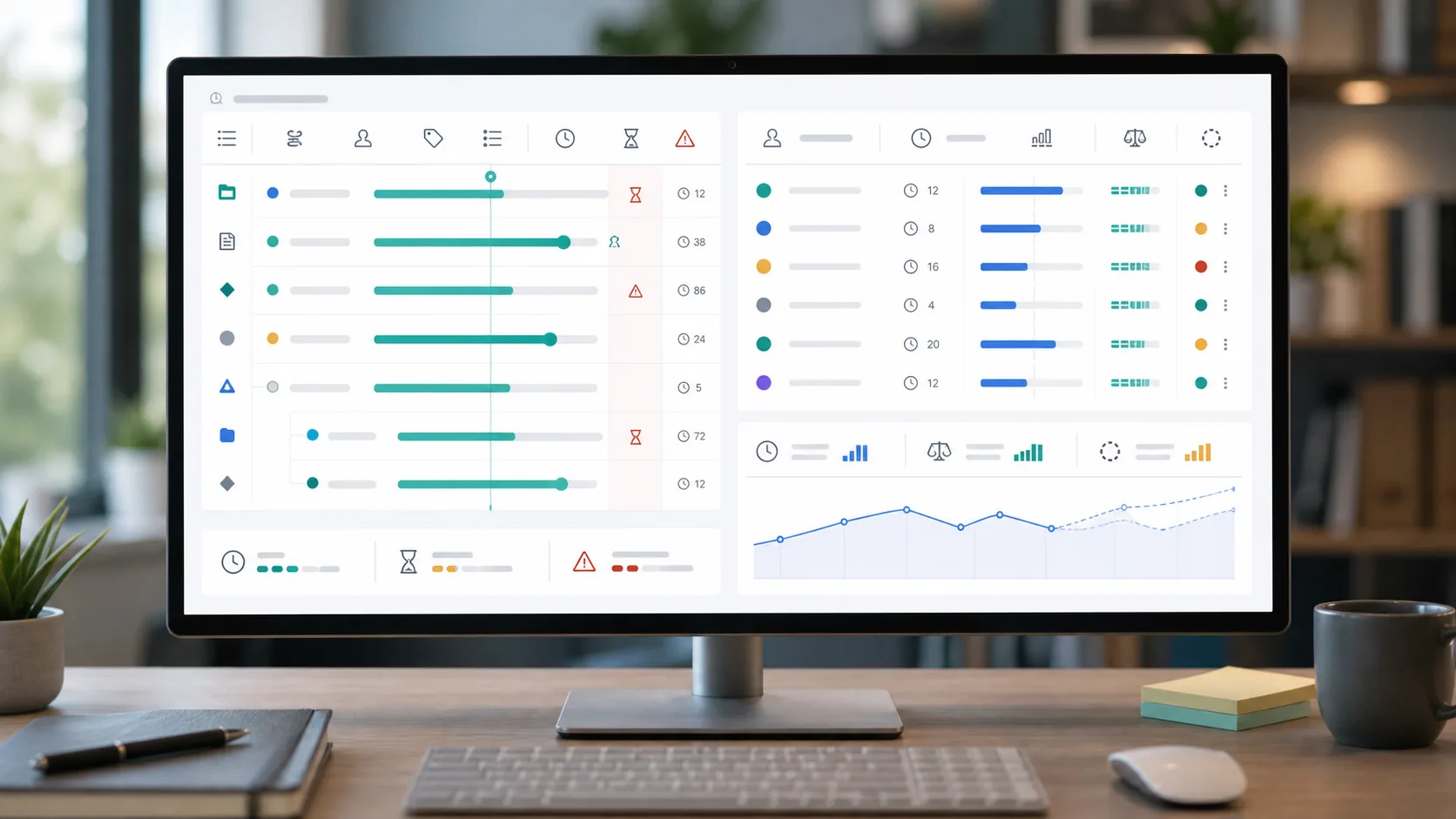
Jira project reporting dashboard comparing workflow wait time with logged effort and budget variance

Time in Status vs Time Spent in Jira: Which Metric Do You Actually Need?

The same Jira issue can look late in one report and cheap in another.

A project manager opens a ticket before a stakeholder update. It spent seven days in "In Review." That sounds like a delivery problem. Then the worklog report shows only three hours logged. That sounds like a small budget impact.

So where did the time go?

That question is the reason time in status vs time spent Jira comparisons get confusing. Jira has two different clocks:

  • elapsed workflow time: how long the issue waited or moved through statuses
  • logged effort time: how much work people recorded against the issue

Those clocks do not measure the same thing. Use Jira time in status when you need bottleneck and workflow aging analysis. Use a Jira time spent report when you need logged effort, estimate variance, worklog totals, or Jira budget tracking. Use both when stakeholders need to know why work is late and why it cost more than expected.


Short Answer

Use time in status when the question is:

  • Where does work wait?
  • Which workflow step slows delivery?
  • How long do issues sit blocked, in review, waiting for QA, or waiting for approval?
  • Is cycle time increasing because of a process bottleneck?

Use time spent when the question is:

  • How many hours were logged?
  • How does logged time compare with the original estimate?
  • Is the current forecast over budget once remaining estimate is included?
  • Which child issues or worklogs explain the variance?
  • What number belongs in the sprint review, client update, billing review, or budget check?

Do not buy a workflow-aging app for budget variance. Do not buy a logged-time rollup app for bottleneck analysis.

The useful buyer question is not "Which metric is better?" It is:

"Which decision are we trying to make?"

The Two Clocks in Jira

Time in status is elapsed time.

If an issue moves from "To Do" to "In Progress" to "In Review" to "Done," a time-in-status report measures how long it stayed in each workflow state. That helps delivery leads see queues, aging work, blocked statuses, slow approvals, and review bottlenecks.

Time spent is logged effort.

Atlassian's JQL fields reference documents fields such as timeSpent, originalEstimate, remainingEstimate, and workRatio. Those fields support worklog and estimate reporting: what was planned, what was logged, what remains, and how much budget has been consumed.

The two clocks can move independently.

An issue can wait in review for a week with almost no logged work. Another issue can move quickly through the workflow while three people log 40 hours against it. One is a flow problem. The other is an effort or budget problem.

Quick Decision Table

Buyer questionStart withWhy
"Where does work wait?"Time in statusYou need elapsed time by workflow status.
"Which statuses create bottlenecks?"Time in statusYou need aging, queues, and status-duration trends.
"Why is cycle time getting worse?"Time in statusYou need flow analysis before budget analysis.
"How many hours did we log?"Time spentYou need worklog totals.
"Are we over the estimate?"Time spentYou need original estimate, logged time, remaining estimate, and variance.
"Which child issues explain the overrun?"Time spentYou need issue hierarchy and worklog breakdown.
"Why is this feature late and over budget?"BothYou need delay analysis and effort analysis.
"Which Marketplace app should we trial?"Reporting job firstApp labels overlap; decision jobs do not.

This table is deliberately simple. It keeps teams from treating every "time" app as the same category.

What Time in Status Is Good For

Time-in-status analytics are for workflow health.

They are useful when the symptoms sound like this:

  • "Issues are stuck in review."
  • "QA starts too late."
  • "Approvals take longer than development."
  • "Blocked issues age without escalation."
  • "Cycle time is rising, but logged hours look normal."
  • "Managers need an aging dashboard for work in progress."

A worklog total will not answer those questions. Knowing that an issue has three logged hours does not explain why it waited seven days for review.

Marketplace searches surface several status-duration and reporting apps. Public listings inspected for this research included Time in Status by SaaSJet and Timepiece by OBSS. The topic shortlist also includes Status Time Reports, Dashboard Hub Pro, and Pivot Report. Treat those names as a shortlist to verify, not as a ranking.

When evaluating a time-in-status app, check:

  • Which statuses are measured
  • Whether statuses can be grouped
  • How reopened issues are counted
  • Whether business calendars and working hours are supported
  • How lead time and cycle time are defined
  • Whether reports can filter by project, board, sprint, assignee, or JQL
  • Whether dashboards, custom fields, exports, scheduled reports, or pivots are included
  • Whether shared reports respect Jira permissions

Use a messy real issue in the trial. A perfect demo workflow will not reveal how the app handles reopened work, blocked states, skipped statuses, or status names that mean different things across projects.

What Time Spent Is Good For

Time-spent reporting is for effort, cost, and budget variance.

It is useful when the symptoms sound like this:

  • "The client wants to know where the hours went."
  • "The epic is close to its estimate."
  • "The sprint review needs baseline vs actual."
  • "Finance needs worklog totals."
  • "The project manager exports Jira to Excel every Friday."
  • "The team logs time on subtasks, but stakeholders ask about the epic."

Atlassian's time tracking documentation describes Jira work items showing logged time and remaining time. The reporting problem usually starts when the question crosses issue boundaries: parent, epic, sprint, project, release, or saved filter.

For a useful Jira time spent report, the fields belong together:

  • Original estimate: the baseline.
  • Time spent: the work already logged.
  • Remaining estimate: the current forecast of work still needed.
  • Spent variance: time spent - original estimate.
  • Forecast variance: time spent + remaining estimate - original estimate.

That last formula matters for Jira budget tracking. If an epic was estimated at 120 hours, has 86 hours logged, and has 48 hours remaining, it is not over the original estimate yet. But the forecast is already 14 hours over.

That is a budget conversation, not a status-duration conversation.

For more detail on the budget side, see Original Estimate vs Time Spent in Jira.

Jira Cycle Time vs Logged Time

Jira cycle time vs logged time is another common mismatch.

Cycle time is elapsed delivery flow. Logged time is recorded effort.

Atlassian's cycle time report documentation frames cycle time as a delivery-flow metric. It helps explain how long work takes to move through delivery. It is not a worklog total.

Here are the patterns to watch:

PatternWhat it meansBetter question
High time in status, low time spentWork waited, but little effort was loggedWhich status or queue delayed the issue?
Low time in status, high time spentWork moved quickly, but consumed a lot of effortWas the estimate wrong, did scope grow, or did multiple people log time?
High time in status, high time spentThe work both waited and consumed budgetWhich delay and which issue drove the overrun?
Low time in status, low time spentThe issue itself may not explain the missed dateWas the scope, dependency, release date, or reporting slice wrong?

This is why one metric cannot replace the other. A flow metric tells you where work waited. A worklog metric tells you where effort went.

When You Need Both Metrics

Many delivery problems need both clocks.

Imagine this epic:

  • Original estimate: 120 hours
  • Time spent: 96 hours
  • Remaining estimate: 40 hours
  • Longest delay: six days in approval
  • Biggest logged-time driver: QA rework under two subtasks

The time-spent report says the forecast is 16 hours over the original estimate. The time-in-status report says approval added almost a week of waiting. Those are different corrective actions.

The project manager may need to renegotiate scope or explain budget variance. The workflow owner may need to change approval staffing, escalation rules, or WIP limits.

If you read only logged time, every delivery delay starts to look like an effort problem. If you read only time in status, every budget overrun starts to look like a workflow problem.

Admin Checks Before You Trust Either Report

Both metrics depend on definitions.

For time in status, verify:

  • Are status names consistent across projects?
  • Are status categories too broad for the report?
  • Are business hours, holidays, and calendars configured correctly?
  • Are paused, blocked, review, and approval statuses defined the same way across teams?
  • How are reopened issues counted?
  • Does the report include done issues, archived issues, or moved issues?

For time spent, verify:

  • Can users see and update the Time tracking field where they work?
  • Do the right users have permission to log work?
  • Are original estimates entered before work starts?
  • Are remaining estimates updated during delivery?
  • Are child issues and subtasks included according to a written scope rule?
  • Does the report avoid double counting when parent and child estimates are both populated?

Atlassian's time tracking administration documentation is relevant here because permissions, field visibility, and time tracking provider choices affect whether the data is usable.

Bad definitions make both categories look unreliable. The tool may be calculating correctly while the team is feeding it inconsistent workflow or estimate rules.

Marketplace Buying Guidance

Do not start with "Which app is best?"

Start with the report you keep rebuilding.

If the recurring report is:

"Which statuses create bottlenecks, and how long does work wait?"

Shortlist time-in-status and workflow analytics apps. Evaluate status history handling, calendars, cycle/lead-time definitions, dashboard needs, pivots, exports, and permission behavior.

If the recurring report is:

"What did we estimate, how much did we log, what remains, and where is the variance?"

Shortlist logged-time, worklog, and rollup reporting apps. Evaluate original estimate, time spent, remaining estimate, hierarchy rollups, exports, and reproducibility.

If the recurring report is:

"Who submitted time, who approved it, what is billable, and can we lock the period?"

You may need a timesheet or billing governance platform rather than either a status-duration tool or a lightweight rollup report.

The Marketplace metadata itself is useful but time-sensitive. Pricing, install counts, ratings, hosting, version dates, and trust badges can change. Verify the current listing for every finalist before procurement.

Security and Privacy Checks

Time data can expose sensitive delivery and staffing information.

Before installing either category, check:

  • Marketplace Privacy & Security tab
  • Vendor privacy policy and support links
  • Requested scopes and permissions
  • Whether the app reads native Jira fields or becomes a time tracking provider
  • Whether worklogs, status history, dashboards, or exports are stored outside Atlassian-hosted infrastructure
  • Data residency, subprocessors, DPA, SOC 2, ISO, GDPR, Cloud Fortified, or Bug Bounty claims only when explicitly published
  • Export retention and access controls
  • Permission behavior for shared dashboards, gadgets, and reports

Atlassian's admin documentation notes that third-party time tracking providers may store data with the app developer. Treat privacy and data flow review as part of the buying process, not a formality after install.

Where TimePillar Fits

TimePillar belongs on the logged-time side of this comparison.

The public TimePillar Marketplace listing positions it around Jira time tracking reports, worklog rollups, estimate vs logged time, variance, and PDF/CSV exports. The TimePillar product page says the app reads Jira native time-tracking fields, adds a live rollup panel, has no separate data store, and requires no configuration.

That makes TimePillar relevant when the recurring question is:

"For this project or epic, what did we estimate, how much has been logged, what is the variance, and which child work explains it?"

That is not the same question as:

"Which statuses are creating bottlenecks?"

So do not treat TimePillar as a replacement for Time in Status, Timepiece, Status Time Reports, Dashboard Hub Pro, Pivot Report, or other status-duration analytics tools. It should be evaluated for estimate-vs-logged rollups, child issue visibility, and stakeholder exports.

There are also verification items. The topic metadata and Backlog Bridge product page mention Jira Cloud and Data Center, while the inspected Marketplace listing showed Jira Cloud. If Data Center matters, verify the current support path before planning a rollout. If your budget process depends on remaining-estimate rollups or forecast variance, confirm that behavior in a trial before buying.

A Practical Trial Plan

Use one real epic and one real delayed issue.

For the delayed issue, run the time-in-status report:

  • Which status consumed the most elapsed time?
  • Was the issue blocked, waiting for review, waiting for QA, or waiting for approval?
  • Did reopened transitions change the result?
  • Do business hours and calendars match the team's working model?
  • Does the report suggest a workflow action?

For the epic, run the time-spent report:

  • What was the original estimate?
  • How much time has been logged?
  • Is remaining estimate maintained?
  • What is the spent variance?
  • What is the forecast variance?
  • Which child issues explain the total?
  • Do exports match the on-screen numbers?
  • Can a second manager reproduce the same report?

Then compare the actions each report suggests.

If the time-in-status report points to review delays and the time-spent report points to QA rework, you have two problems. If only one report shows a problem, you know which conversation to lead.

Final Recommendation

Choose time in status when the decision is about bottlenecks, aging work, cycle time, lead time, blocked statuses, review queues, or workflow accountability.

Choose time spent when the decision is about logged hours, original estimate, remaining estimate, variance, worklog totals, budget tracking, billing review, or stakeholder time rollups.

Choose both when a project is late and over budget.

The metric is not the goal. The report is. Start with the decision you need to make, then choose the Jira app category that can produce that report without rebuilding it by hand.