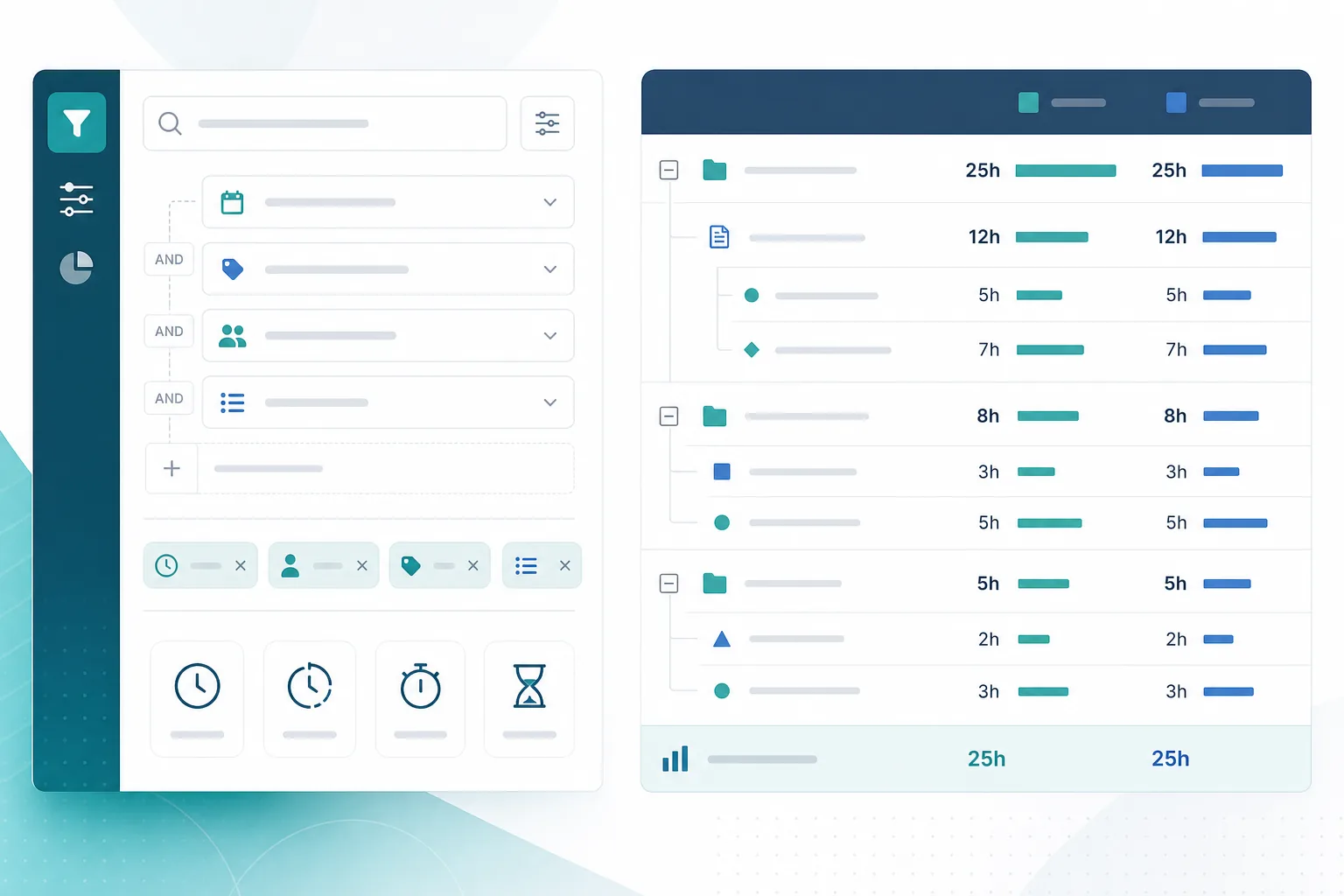
The question sounds simple until JQL returns a list instead of a total.
A project manager opens advanced search and tries a Jira time spent query:
"Show me the work under parent ABC-123 where the team has logged more than 8 hours."
That is a reasonable reporting question. JQL can help find the matching issues. It cannot, by itself, answer the next question stakeholders usually ask:
"How many total hours were logged on this slice, who logged them, and are we over the estimate?"
That gap is why Jira timeSpent JQL feels both powerful and incomplete. JQL is excellent at finding work items that match time-related criteria. It is not a worklog report, a budget rollup, or a substitute for aggregation across parents, epics, sprints, and assignees.
What JQL Can Do For Time Reporting
Yes, JQL can filter issues by logged time and related estimate fields.
Atlassian's JQL fields reference documents timeSpent, originalEstimate, and remainingEstimate as searchable duration fields. The same page documents workRatio when time tracking is enabled, and parent for finding direct child work items.
Atlassian's advanced search documentation describes JQL as the most powerful way to search for work items. That is the correct mental model: JQL finds rows.
In practice, that means JQL can help you answer questions like:
- Which issues have any logged time?
- Which issues have logged more than a threshold?
- Which issues are over or near their original estimate?
- Which child issues under a parent have meaningful time logged?
- Which sprint issues still have no worklogs?
Those are useful pre-meeting filters. They are not the same as a stakeholder total.
What JQL Cannot Do
No, JQL cannot replace a time rollup report by itself.
JQL does not natively:
- Sum total logged time for a parent, epic, sprint, or project
- Show a Jira worklog report grouped by user and date
- Roll up original estimate, time spent, remaining estimate, and variance across a hierarchy
- Explain which child issues drive most of the overrun
- Replace a recurring stakeholder update with one saved filter
JQL searches issue-level time totals stored on each work item. It does not search individual worklog entries by author, comment, or date in the way many finance and delivery reports require.
Example:
- Issue A: 12h logged
- Issue B: 8h logged
- Issue C: 5h logged
This JQL filter can return all three issues:
parent = ABC-123 AND timeSpent > 0
It will not tell you the slice totals 25 hours. Adding timeSpent as a search column shows per-issue values, not an aggregate footer. To get the total, you still need export math, a dashboard or gadget that supports the question, Plans in a planning context, automation, or a rollup app.
That is why so many teams end up in the spreadsheet loop described in the five Jira time reports project managers ask for.
The Time Fields JQL Exposes
Before writing filters, know which field answers which question.
timeSpent
This is the logged time on an issue. Atlassian documents it as a duration field with comparison operators. Example:
timeSpent > 5d
Use it to find issues with meaningful logged work, unusually high logged time, or no logging activity.
originalEstimate
This is the baseline estimate. Atlassian's time estimate documentation says time estimates can be used for work item estimation and board time tracking.
Example:
originalEstimate > 2d
Use it to find estimated work, missing baselines, or issues above an estimate threshold.
remainingEstimate
This is the work the team still expects to need. Example:
remainingEstimate > 4h
Use it to find heavy forecast work, or done issues that still carry remaining estimate. For forecast variance beyond issue-level filters, see original estimate vs time spent in Jira.
workRatio
Atlassian defines this as:
workRatio = timeSpent / originalEstimate x 100
Example:
workRatio > 75
Work ratio is the cleanest native way to find issues that have consumed most or all of their original estimate. It does not include remaining estimate, so a ratio below 100 can still hide forecast risk. See Jira planned vs actual reporting for warning-zone filters and interpretation rules.
parent
This finds direct child work items under a parent issue:
parent = ABC-123
Combine it with time fields to inspect a parent slice:
parent = ABC-123 AND timeSpent > 8h
That helps you find child issues with heavy logging. It still does not total the hours for you.
Epic scope can differ by project configuration. Some teams use parent, others rely on epic-link fields or filters already built into boards. Use the scope rule your Jira instance actually supports, then keep that rule consistent in reports.
Practical JQL Filters To Save
Start with filters that answer issue-level reporting questions.
Find issues with logged time
timeSpent > 0
Add project, sprint, parent, assignee, or status constraints as needed.
Find issues already over original estimate
workRatio > 100
This is the most reliable native pattern for "logged time has exceeded the original estimate" because Atlassian documents workRatio explicitly.
Find issues nearing the estimate
workRatio >= 80 AND workRatio < 100
The threshold is a policy choice. The point is to inspect issues before the overrun lands.
Find issues with time logged but no estimate
originalEstimate IS EMPTY AND timeSpent > 0
These issues need a reporting rule. They may be valid unplanned work, but they cannot produce a meaningful estimate comparison without a baseline.
Find estimated issues with no worklogs yet
originalEstimate IS NOT EMPTY AND timeSpent IS EMPTY
Useful late in delivery when the report expects logging but the issue list still looks empty.
Find stale remaining forecast on done work
remainingEstimate > 0 AND statusCategory = Done
Atlassian's time tracking documentation says time tracking shows logged time and remaining time on a work item. Stale remaining estimates can distort forecast reporting even when the issue is done.
Scope a parent or sprint slice
parent = ABC-123 AND timeSpent > 0
sprint in openSprints() AND timeSpent > 0
These are good pre-meeting filters. They identify the rows worth inspecting. They are not the final rollup.
Lock Scope Before You Trust The Results
Time JQL gets harder as soon as the question crosses hierarchy boundaries.
Before trusting any filter, define:
- one issue
- one parent
- one epic
- one sprint
- one project or space
- one saved filter
- one client-facing workstream
Then ask:
- Are subtasks included?
- Are child issues included?
- Are done issues included?
- Does the board filter match the stakeholder scope?
- Are parent and child estimates both counted, or only one level?
Atlassian's sprint report documentation says estimates on subtasks are not included in the sprint report, the report is board-specific, and it only includes work items matching the board's saved filter. A sprint JQL filter can be useful and still incomplete for a broader budget question.
The same scope problem appears with parent filters. parent = ABC-123 finds direct children. It does not decide whether the parent's own estimate, child estimates, or subtask worklogs should all count toward the stakeholder number.
Write the rule before you report:
"Totals include child issues under the parent, exclude subtasks unless the parent estimate is empty, and use native Jira time-tracking fields only."
Without that rule, JQL, exports, and stakeholder slides will disagree.
Admin Checks Before You Trust Time JQL
Time-related JQL only works when the underlying setup is usable.
Atlassian's time tracking administration documentation says Jira Cloud time tracking is enabled by default, users need the Work On Work Items permission to log work, and admins can control whether the Time tracking field is shown.
Check:
- Can the team see and edit the Time tracking field where they work?
- Do the right users have permission to log work?
- Are original estimates entered before work starts?
- Are remaining estimates updated during delivery?
- Are time units configured consistently?
- Can the person running the filter see the relevant worklogs?
If those answers are weak, JQL will surface symptoms. It will not fix the process.
A Meeting-Ready Workflow
Use JQL as the first pass, then choose how to explain the total.
- Define the scope: parent, epic, sprint, project, release, or saved filter.
- Run issue-level filters:
- logged work:
timeSpent > 0 - over estimate:
workRatio > 100 - missing baseline:
originalEstimate IS EMPTY AND timeSpent > 0
- logged work:
- Add search columns for original estimate, time spent, remaining estimate, parent, and assignee.
- Decide whether the meeting needs row inspection only or a total.
- If you need a total, export the result set or use a rollup path rather than pretending the filter is the report.
- Explain the drivers:
"Three child issues account for most of the logged time. One is already over estimate. The parent slice shows 25 hours logged against a 30-hour baseline, but remaining estimate pushes the forecast to 34 hours."
That answer does more than quote issue rows. It explains the budget story stakeholders expect.
When Exports, Dashboards, and Plans Are Enough
Do not jump to new tooling before checking native paths.
Exports
Atlassian documents exporting search results to CSV, Google Sheets, Microsoft Excel, Word, XML, and form data. That is the standard bridge when JQL found the right rows but the meeting still needs totals, pivots, or audit detail.
Exports are enough when:
- The report is occasional, not weekly
- One person owns the formulas
- Stakeholders accept a file rather than a live dashboard
- The JQL scope already matches the reporting scope
Exports become a trap when every status meeting starts with rebuilding the same spreadsheet.
Dashboards
Dashboards help with visibility, not always explainability. See Why your Jira dashboard still cannot explain where the hours went for where gadgets help and where hour rollups still need another path.
Plans
Jira Plans can roll up estimates in planning contexts on Premium and Enterprise tiers. Atlassian documents that Plans roll up estimates dynamically as time is logged to child work items. That can help planning, but it may not be the exact operational report a project manager needs for a client update. See Jira Plans rollups vs project reporting for the distinction.
What To Verify Before Adding a Rollup App
If JQL keeps finding the right issues but the team still rebuilds the same totals manually, evaluate the reporting gap directly.
Ask:
- Does the app use native Jira time-tracking fields?
- Does it show original estimate, time spent, remaining estimate, and variance together?
- Does it support the hierarchy you report on: subtasks, stories, epics, parents, projects, releases, or saved filters?
- How does it avoid double counting when parent and child estimates both exist?
- Can managers inspect the child issues behind a total?
- Does it respect Jira permissions and worklog visibility?
- What Jira products and hosting models are publicly supported?
- What permissions or scopes does it request?
- Are privacy, security, support, and pricing information publicly clear?
Trial it against one real report. Do not evaluate it only against a demo project with perfect estimates.
Where TimePillar Fits
TimePillar is Backlog Bridge's product for teams that need Jira time rollups closer to the issue view.
The use case is narrow: a project manager opens a parent, epic, or project context and needs estimate, logged time, remaining work, variance, and child-issue visibility without rebuilding the same spreadsheet before every meeting.
That complements JQL. JQL finds the rows. A rollup view helps explain the total.
See how Jira time rollups in TimePillar help teams bring estimate, logged time, variance, and child-issue visibility closer to delivery reporting.
Use JQL To Find Rows, Then Choose How To Explain Totals
Jira JQL time tracking is real and useful. You can filter issues by logged time, original estimate, remaining estimate, work ratio, parent, and sprint scope.
What JQL cannot do is become the aggregation layer by itself. It will not replace a worklog report, a budget rollup, or a stakeholder update that needs totals, variance, and explainability.
Use JQL to find the work items worth inspecting. Then decide whether the answer lives in an export, a dashboard, Plans, or a rollup tool that matches your scope rules.
That is how JQL time reporting becomes a practical part of delivery instead of a dead end.