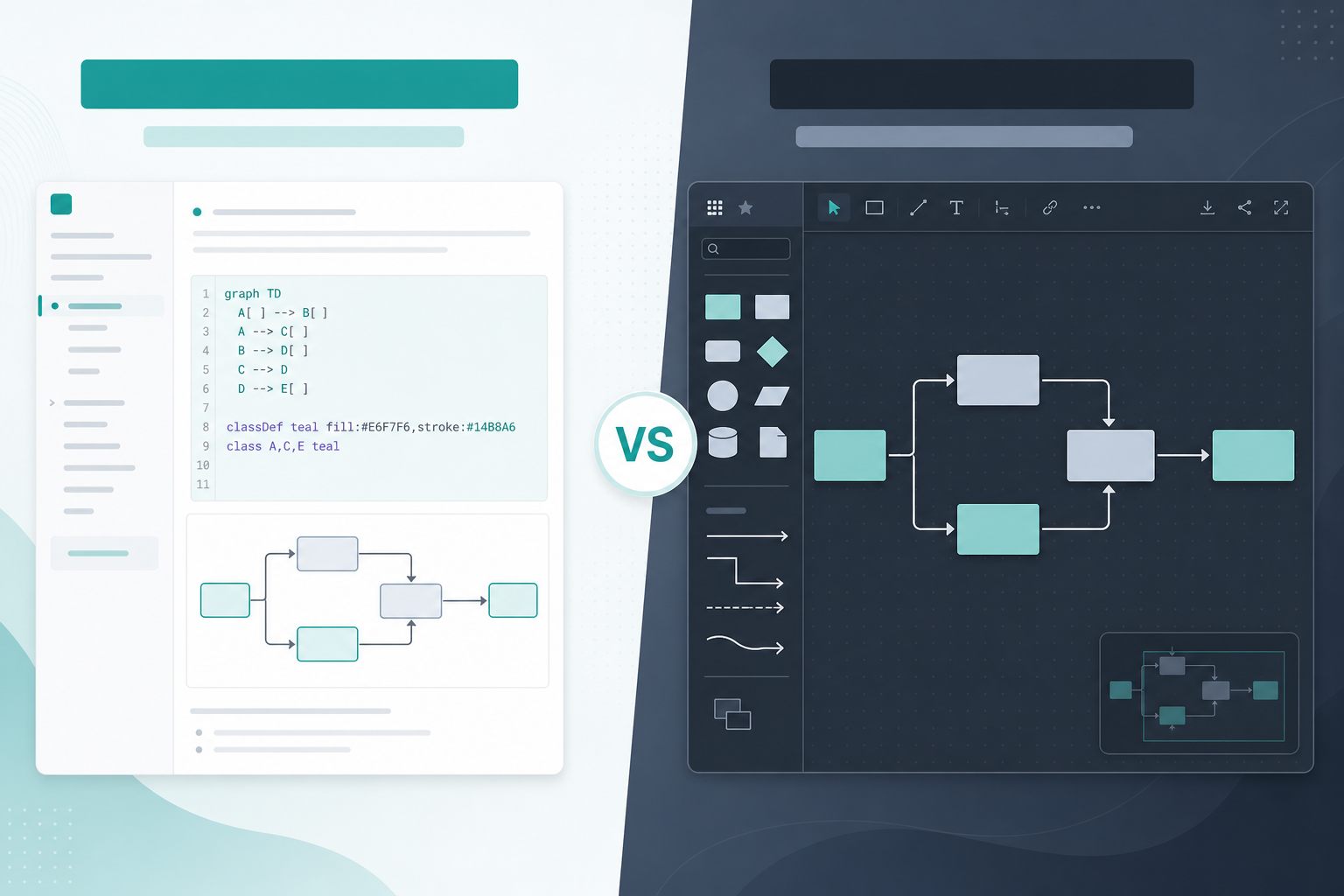
Choose Mermaid when editable text should remain the source of truth. Choose draw.io when authors need a broad visual canvas but may still want to generate and retain Mermaid source. Choose Gliffy when a Confluence-focused visual workflow should start from Mermaid and can later become an ordinary Gliffy diagram. None is universally better; the important difference is what happens during the next edit.
That makes Mermaid vs draw.io in Confluence more than a code-versus-canvas comparison. Current draw.io and Gliffy documentation describes Mermaid workflows in both editors. Your decision is whether Mermaid source remains authoritative, how manual changes behave after regeneration, and whether readers can inspect the published result.
Already have Mermaid source? Open it in the free Mermaid chart viewer to check the rendered diagram, search its labels, test themes, and export a review copy before comparing Confluence apps.
Backlog Bridge publishes Diagram Lens, a Mermaid-focused Confluence macro. This article compares current product documentation and explicit evaluation tasks. It does not claim a hands-on performance benchmark across all three products.
Quick decision table
| Your recurring job | Start by evaluating | Why |
|---|---|---|
| Maintain architecture, process, or API-flow documentation as text | Mermaid in a source-first macro | The Mermaid text remains the primary editable artifact and the renderer handles layout |
| Rearrange shapes live during workshops | draw.io or Gliffy | Direct manipulation is the core workflow rather than a generated layout |
| Generate from Mermaid, then keep source while applying visual styles | draw.io Mermaid container | The documented container retains source and reapplies supported style and label overrides after regeneration |
| Generate from Mermaid, then intentionally switch to ordinary visual editing | Gliffy conversion workflow | The documented conversion creates a normal Gliffy diagram; Mermaid code is no longer editable afterward |
| Review a large Mermaid diagram already used in Confluence | A Mermaid reader such as Diagram Lens | Search, zoom, wide view, and overview navigation may matter more than adding another canvas editor |
Use the table as a shortlist, not a purchasing verdict. Test the exact hosting model, edition, permissions, storage path, and export workflow your organization would deploy.
The key difference: what survives the next edit?
Mermaid defines diagrams with Markdown-inspired text. A source-first macro treats that text as the editable representation and generates the visual result from it. Manual shape placement is usually not the point.
draw.io and Gliffy can also begin with Mermaid code, but they create different maintenance choices.
| Editing question | Source-first Mermaid macro | draw.io Mermaid container | Gliffy Mermaid workflow |
|---|---|---|---|
| What is authoritative? | Mermaid source | Mermaid source while the special container is retained, plus supported visual overrides | Mermaid source before conversion; Gliffy shapes after conversion |
| Can authors move shapes manually? | Depends on the macro; Diagram Lens does not provide drag-and-drop editing | Yes, inside the container | Yes after converting to a Gliffy diagram |
| What happens after another source edit? | The diagram is rendered again from source | Styles and label overrides can persist, but geometry and connector paths are regenerated | Source can be edited before conversion; after conversion, the code is no longer editable through that workflow |
| How is source lost? | Only if the team replaces or deletes its source artifact | Ungrouping the Mermaid container removes its retained source | Selecting Convert to Gliffy changes the maintenance model from Mermaid code to visual shapes |
| Best evaluation question | Is source editing and rendered-diagram reading comfortable? | Do retained overrides and regenerated layout behave predictably? | Does the team understand when it crosses the conversion boundary? |
This is why “supports Mermaid” is not enough information. Two tools can accept the same source and still produce very different ownership rules for future edits.
What the current documentation says
draw.io: retained source with visual overrides
The current draw.io Mermaid manual describes a default Mermaid container made from native draw.io shapes and connectors. The source is stored in that container so an author can reopen it and regenerate the diagram.
The hybrid model has an important rule:
- supported style changes and manual label overrides are reapplied when corresponding elements still exist
- positions, sizes, connector routes, and other geometry are recalculated when the source is regenerated
- ungrouping the special container removes the retained Mermaid source
That makes draw.io useful when a team wants Mermaid generation plus visual styling, provided maintainers know which changes will survive. The current Marketplace listing also positions the app as a broad Confluence diagramming and whiteboarding canvas, not only a Mermaid renderer.
An older claim that draw.io always discards Mermaid source on import is therefore inaccurate for the documented container workflow. Confirm that your installed version and insertion mode match the current manual; image and legacy modes behave differently.
Gliffy: edit Mermaid first, then choose whether to convert
Gliffy's Mermaid integration guide describes a code window with a live preview. The resulting Mermaid diagram can be reopened and edited before conversion.
Selecting Convert to Gliffy changes the contract: authors can then adjust ordinary Gliffy shapes and colors, but can no longer modify the Mermaid code through that workflow. A diagram created from the shape library cannot later be edited as Mermaid either.
This is a clear handoff rather than a flaw. Gliffy may fit a team that wants Mermaid as a starting format and visual editing as the destination. The team should record when conversion is allowed and retain the original source separately if it may be needed again.
The current Gliffy Marketplace listing describes Confluence Cloud and Data Center support. Use its active hosting tab when checking pricing, permissions, privacy, and current app capabilities.
Diagram Lens: source-first Mermaid with reader controls
Our Diagram Lens product documentation describes a Confluence Cloud macro with Mermaid source editing, live preview, a wide reader, rendered-label search, minimap navigation, themes, and browser-side exports.
Its maintenance model stays source-first. It does not claim visual drag-and-drop authoring, repository synchronization, or AI generation. That makes it relevant only when the team has already chosen Mermaid and needs a stronger Confluence reading and editing workflow—not when the requirement is a general visual canvas.
Worked comparison: rename a service and add a fallback path
Use one representative change to expose the maintenance model. Suppose Orders API becomes Order Service, and a fallback queue is added.
In a source-first Mermaid workflow
Edit the label and add the queue node and relationship in Mermaid text. Render again and inspect the generated layout. Reviewers can read the updated source, but they cannot preserve a hand-tuned node position unless the chosen renderer exposes and supports that separately.
In the draw.io Mermaid container
Edit the retained source and regenerate. Check whether existing style and label overrides still express the intended meaning. Expect the layout engine to recompute positions and connector routes. A manually moved node may return to a generated position.
In Gliffy
Before conversion, edit the Mermaid code and update the generated diagram. After conversion, make the change with normal visual editing tools; do not expect to return to Mermaid code for that artifact. If future code-based maintenance matters, keep a separate source copy and define which version is canonical.
The winning workflow is the one whose outcome your next maintainer can predict without asking the original author.
When Mermaid is the stronger starting point
Evaluate source-first Mermaid when most of these are true:
- architecture, process, state, or sequence diagrams change alongside technical prose
- maintainers are comfortable reviewing text relationships and stable node names
- automatic layout is preferable to maintaining exact coordinates
- the team wants to reuse or hand off editable
.mmdsource - diagram meaning matters more than freeform visual polish
Mermaid still requires syntax knowledge, and a valid render does not prove the diagram is correct. Use the Mermaid chart tips guide for stable identifiers and readable structures, and the parse-error guide when a source change fails.
When draw.io is the stronger starting point
Evaluate draw.io when the recurring work depends on:
- a general-purpose visual canvas and broad shape libraries
- workshops in which participants move objects directly
- mixed diagram notations or irregular layouts
- applying visual styles to a generated Mermaid diagram
- combining Mermaid-generated material with ordinary canvas work
Pay special attention to the regeneration rule. If authors routinely move generated shapes and later edit source, the team needs a documented expectation for which visual adjustments are temporary and which are reapplied.
When Gliffy is the stronger starting point
Evaluate Gliffy when the team wants:
- a visual diagram editor embedded in its Confluence workflow
- Mermaid as an optional way to generate the first version
- an explicit conversion from Mermaid to visually editable shapes
- ordinary canvas maintenance after that conversion
The key governance question is simple: who decides when a Mermaid diagram becomes a Gliffy diagram? Without that rule, one maintainer may continue editing saved source while another edits the converted visual artifact.
Can a team use both Mermaid and a canvas editor?
Yes. A practical split is:
- Mermaid for maintained architecture, process, and API-flow pages
- draw.io or Gliffy for workshop captures, freeform maps, and one-off visuals
- a deliberate conversion only when ownership moves from source-oriented maintainers to canvas-oriented maintainers
Avoid keeping the same canonical system map in two tools. Assign one source of truth per diagram, state the owner on the Confluence page, and archive superseded copies rather than silently maintaining parallel versions.
Run a 20-minute round-trip test
Use a non-sensitive copy of a real diagram rather than a toy flowchart:
- Insert the same Mermaid source using each candidate workflow.
- Save the Confluence page and reopen the diagram from the published view.
- Rename a visible node in the source.
- Move that node and change its color if the editor permits it.
- Add a new relationship in source and regenerate.
- Record which labels, styles, positions, and connector paths survive.
- Ask a second person to find a named component and trace one failure path.
- Export the result in the format stakeholders actually request and reopen it.
Score what happened, not what the feature list promised:
| Check | Result to record |
|---|---|
| Source preservation | Where is the Mermaid text after save, regeneration, ungrouping, or conversion? |
| Edit predictability | Which visual changes survive another source edit? |
| Reader experience | Can a non-author search, zoom, and follow the published diagram? |
| Handoff | Does the export preserve readable labels and the intended visual hierarchy? |
| Recovery | Can the team return to the last known-good editable artifact? |
For format-specific handoff checks, use the Mermaid SVG, PNG, and PDF export guide.
Include the Confluence administrator
Atlassian's app management documentation says site administrators manage user-installed apps through Connected Apps and Marketplace. Before choosing a diagram workflow, verify:
- the exact Cloud or Data Center edition being evaluated
- requested scopes and any external data transfer
- where diagram source and visual artifacts are stored
- whether a separate vendor account or service is involved
- export behavior, retention, support, and current pricing
- how converted or ungrouped diagrams can be recovered
For Mermaid macros, review rendering configuration, unsafe link or HTML handling, SVG sanitization, and whether source is sent to a remote renderer. For a fuller checklist, see Mermaid macro security in Confluence.
Do not infer that one authoring category is inherently more secure. Compare the actual installation, data flow, and controls of the editions you plan to use.
Frequently asked questions
Is Mermaid better than draw.io for Confluence?
Mermaid is usually the better starting point when text source should remain authoritative and automatic layout is acceptable. draw.io is usually the better starting point when authors need a flexible canvas, broad shape libraries, or direct layout control. The current draw.io Mermaid container can combine retained source with visual styling, but source regeneration recalculates geometry.
Can draw.io edit Mermaid code after import?
Yes, in the current documented Mermaid container workflow. draw.io stores the source in the special container so it can be reopened and regenerated. Ungrouping the container removes that source, and other insertion or legacy modes can behave differently.
Can Gliffy edit Mermaid diagrams?
Yes. Gliffy's documented workflow lets authors enter Mermaid code, preview it, update the diagram, and reopen the editing window. After selecting Convert to Gliffy, authors can edit shapes and colors visually, but the Mermaid code can no longer be modified through that workflow.
Should every Confluence team standardize on one diagram tool?
Not necessarily. Teams can use Mermaid for maintained technical documentation and a canvas editor for workshops or freeform visuals. Standardize the ownership rule and source of truth for each diagram so the same artifact does not drift in two tools.
Recommendation
Choose by the edit your team repeats:
- Mermaid when the diagram is maintained as structured documentation
- draw.io when visual composition is primary or a retained-source hybrid fits the team
- Gliffy when Mermaid should lead into an explicit visual-conversion workflow
- Diagram Lens only on the Mermaid path, when Confluence readers need source editing, search, zoom, wide view, minimap navigation, and exports
Test the real diagram, record the conversion or ungrouping rules, and check the current Marketplace listing before rollout. If Mermaid is the likely path, start with the free Mermaid viewer, then use the large-diagram reader guide to test whether the published result remains understandable.