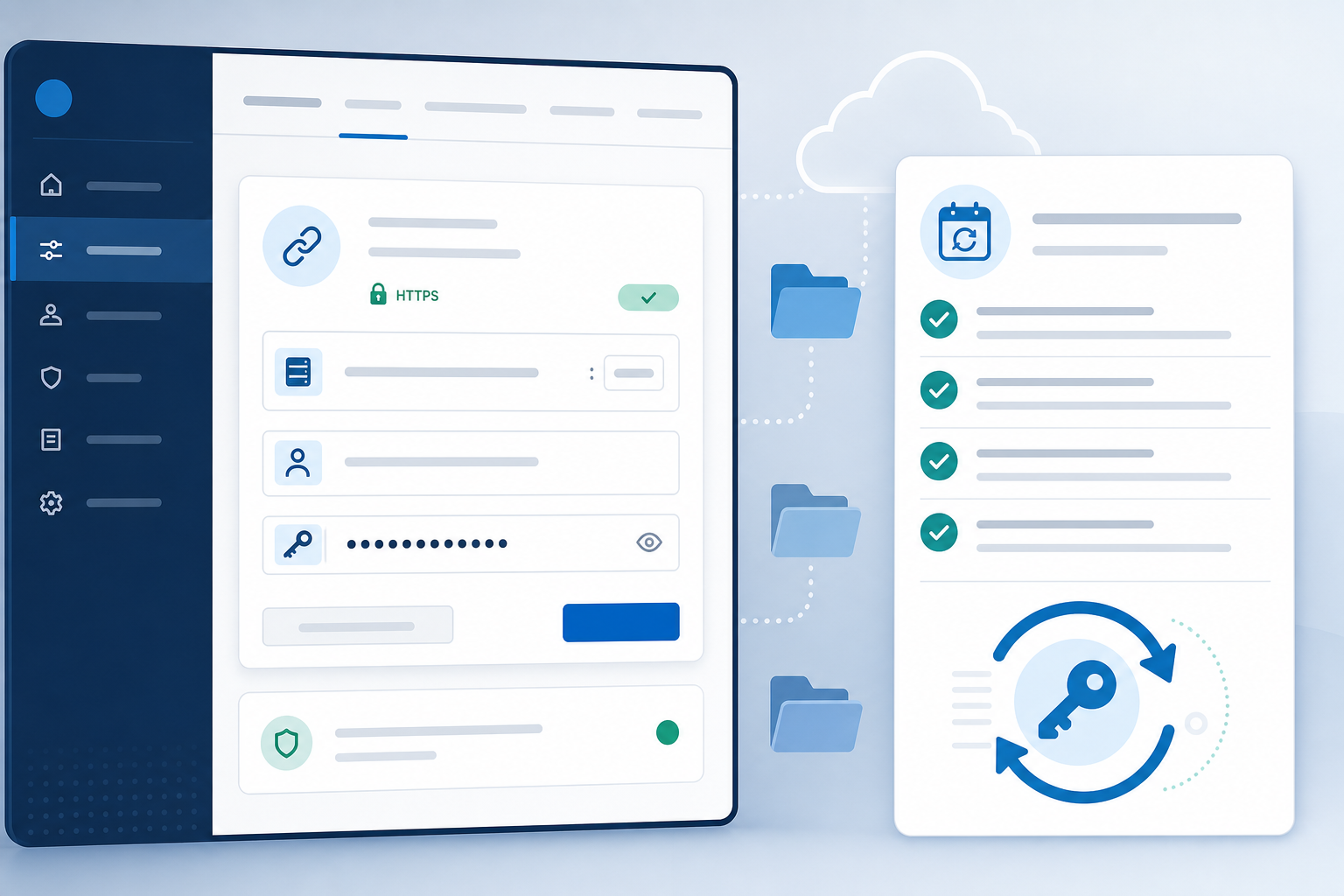
The delivery lead Slack-pinged you: "Every Nextcloud panel on Jira is blank."
You open Nextcloud for Jira connection settings. The HTTPS URL looks fine. Someone admits they pasted an app password from their personal Nextcloud account six months ago — and that person left last week. Their account was deactivated. Every issue panel died at once.
That is what Nextcloud app password integration looks like when Jira admins treat Jira integration credentials as a one-time paste instead of a Nextcloud service account decision with app password rotation discipline.
"We connected Nextcloud — why did everything break when Maria left?"
Because Nextcloud for Jira authenticates as a specific Nextcloud user. The app password is that user's access key for the integration — not a generic plug you can borrow from whoever responds fastest in Slack.
Quick answer
Before you save Nextcloud for Jira connection settings, verify three credential decisions: a dedicated Nextcloud service account — not a personal user — an app password generated for that account — not the user's main login password — and a rotation runbook that includes updating Jira connection settings the same day Nextcloud revokes the old password.
App passwords are revocable. Nextcloud documents app passwords for device and integration management so clients authenticate without storing the primary account password. You can rotate or revoke one app password without changing the service account's main login.
Document ownership on both sides. Add "update Nextcloud for Jira connection settings" to every Nextcloud credential rotation checklist.
Buying context
Jira admins and platform owners usually encounter credential questions when delivery teams request folder linking on issues — or when panels fail because nobody tracked whose password was used.
The install request sounds simple: "Connect our file server." The credential work is not simple. You are authorizing a Forge app to authenticate to your Nextcloud instance, read folder listings for linked issues, and call your Nextcloud domain on each panel open and refresh.
Public vendor copy for Nextcloud for Jira describes app password authentication stored in Forge encrypted secret storage. Getting account ownership and password type wrong creates failures that surface weeks later — often as "every panel is empty" rather than "wrong credential type."
For the broader file-strategy decision — attachments vs linked folders — see Jira Attachments vs Nextcloud Linked Folders.
Why app passwords beat shared user passwords
Nextcloud integrations need long-lived credentials. Two mistakes cause most production outages.
Main login password in the integration field
Some admins paste the service account's main Nextcloud password because it is faster than generating an app password.
That creates problems:
- Password rotation breaks the integration when IT resets the account password per policy
- Shared custody — main passwords often live with people, not integration runbooks
- Broader blast radius — a compromised credential equals full account access, not a scoped app token
Nextcloud documents app passwords specifically for clients and integrations that cannot use interactive login. Use them.
Personal user account instead of service account
The second mistake is generating an app password from a personal Nextcloud user because they already have folder access.
That creates different problems:
- Offboarding breaks the integration when the user account is deactivated
- Permission drift — the integration inherits whatever that person can see
- No named owner — six months later, nobody remembers whose account powered the connection
| Credential approach | Advantage | Risk |
|---|---|---|
| Personal user's main password | Fast on day one | Breaks on password reset and offboarding; full account exposure |
| Personal user's app password | Revocable without changing main login | Still breaks on offboarding; permissions follow one person |
| Dedicated service account + app password | Durable ownership; scoped revocation; rotation without login password change | Requires Nextcloud admin to create user and set folder ACLs |
Prefer a dedicated integration account — for example jira-integration@yourcompany.com — whose login stays active and whose folder visibility matches directories delivery teams will link.
Nextcloud service account design
Before anyone generates an app password, agree on the service account with your Nextcloud admin.
Account properties
- Dedicated user — not shared with a human's daily work
- Long-lived — document the account so standard employee offboarding does not deactivate it by mistake
- Least privilege — read access to folders teams will link; no admin rights unless policy requires otherwise
- Named owner — one person on the Nextcloud side and one on the Jira side responsible for credential updates
Folder permissions
The service account must be able to read every directory your teams plan to link from Jira issues. If the account cannot see a project folder, the Nextcloud files panel will show an empty list even when connection settings look healthy.
Ask your Nextcloud admin:
- Which group folders or shares should the integration account join?
- Should auto-created
Jira/ISSUE-KEYfolders inherit permissions from a parent directory? - Who approves new folder paths before teams link them on issues?
Label the app password
When generating the app password in Nextcloud, use a descriptive label such as Jira Cloud - Nextcloud for Jira - production. That label appears in Nextcloud device management and helps during rotation audits.
Generate a separate app password per integration — do not reuse one password across multiple systems.
Questions to ask before accepting credentials
Teams often forward the fastest path, not the durable one. Ask before anyone pastes a password into Jira:
- Which Nextcloud account owns this credential — a service account or a person's user?
- Is this an app password generated for the integration — not a main login password?
- Will that account stay active through the next two offboarding cycles?
- Can that account read every folder we plan to link from Jira?
- Who updates Jira when we rotate Nextcloud credentials?
- Where is the password stored until entry — secrets manager, not Slack?
If any answer is unclear, pause connection setup until the Nextcloud admin confirms.
How Nextcloud for Jira uses the credential
Public vendor copy describes one site-level connection that backs panel reads and folder linking across the site.
| Capability | Uses site app password? | Symptom when credential fails |
|---|---|---|
| Nextcloud files panel on issue open | Yes | Panel empty or error on every issue |
| Linked folder file list | Yes | No files despite folder mapping |
| Refresh file list | Yes | Stale or failed reload |
| Browse directories to link folder | Yes — verify in sandbox | Cannot list folders to link |
| Open in Nextcloud | Opens Nextcloud in browser; Nextcloud login still applies | Broken folder context if site connection failed earlier |
Vendor FAQ copy states app passwords are stored with Forge encrypted secret storage and are not returned to the UI after save. Only Jira administrators can change connection settings.
Rotation is always replace-only: you cannot read the saved password back from Jira. Generate a new app password in Nextcloud and re-enter it in connection settings.
For HTTPS URL, test connection, and customer-managed egress approval, see How Jira Admins Connect Nextcloud to Jira Cloud.
Pre-connection credential checklist
Complete before entering production credentials in Jira.
Nextcloud side
- [ ] Create or designate integration service account
- [ ] Grant read access to folders teams will link
- [ ] Generate app password labeled for Jira integration
- [ ] Store password in secrets process — not Slack or email
- [ ] Document account in integration inventory so offboarding workflows skip it
Jira side
- [ ] Confirm Jira Cloud and permission to install Forge apps
- [ ] Identify who maintains connection settings after install
- [ ] Prepare sandbox issue for panel validation after connect
Process side
- [ ] Assign cross-system owner for credential updates
- [ ] Add Jira connection update to app password rotation runbook
- [ ] Define who may see folder paths and file names on Jira issues
- [ ] Plan sandbox validation before org-wide rollout
App password generation steps
Typical flow — verify current UI labels in your Nextcloud version:
- Nextcloud admin creates the integration user (or confirms an existing service account)
- Sign in as that user — or have the admin manage devices for that account
- Open Security or Devices & sessions settings
- Create a new app password with label
Jira Cloud - Nextcloud for Jira - Copy the password once into your secrets process
- Hand off to the Jira admin for connection settings entry — never via public Slack channel
Nextcloud shows the app password only once at creation. Treat it like any other integration secret.
Custody and least-privilege rules
- Never publish app passwords in tickets, Slack, screenshots, or articles
- Name owners on both Jira and Nextcloud sides
- Rotate on schedule — same cadence as other integration credentials
- Revoke old passwords in Nextcloud after the new one is saved and validated in Jira
- Limit service account scope — read-only access to linked directories unless your workflow requires more
When to rotate app passwords
| Trigger | Action |
|---|---|
| Scheduled credential rotation (quarterly, annually) | Generate new app password; update Jira; revoke old password after validation |
| Employee who owned the credential leaves | If personal account was used — migrate to service account immediately; do not wait |
| Suspected credential exposure | Revoke in Nextcloud first only if you can update Jira in the same maintenance window |
| Nextcloud security policy change | Regenerate all integration app passwords per policy |
| Panel failures site-wide | Check credential expiry or account deactivation before debugging individual folders |
Coordinate rotation so Jira receives the new password before you revoke the old one in Nextcloud — unless you accept a brief panel outage during the change window.
App password rotation runbook
When Nextcloud rotates or revokes the integration app password:
- Generate new app password for the service account in Nextcloud
- Open Nextcloud for Jira admin → connection settings
- Re-enter app password — you cannot view the old value in Jira
- Click test connection; save when status shows Connected
- Open linked sandbox issue; confirm panel reads work
- Revoke the old app password in Nextcloud device management
- Log incident if production issues missed panel access during the gap
"We rotated the Nextcloud app password — did anyone update Jira?"
That question belongs in every credential rotation checklist.
Rotation validation drills
Drill A — Rotation simulation
- Note current panel behavior on a test issue
- Revoke app password in Nextcloud without updating Jira
- Confirm panels fail or error visibly
- Enter new app password; test connection; save; confirm recovery
Drill B — Service account lockout
- Temporarily disable the service account in Nextcloud
- Confirm connection test fails in Jira admin settings
- Re-enable account; confirm recovery after re-test
Drill C — Post-rotation panel smoke test
- After rotation, open three linked issues across different projects
- Confirm file lists load and refresh works
- Document any folder-specific permission gaps
What breaks when credentials fail
| Symptom | Likely credential cause | Admin action |
|---|---|---|
| Every panel empty at once | Expired or revoked app password; deactivated service account | Reissue from durable service account; update Jira settings |
| Worked until employee left | App password tied to personal account | Migrate to dedicated integration account |
| Some folders empty | Service account lacks read permission | Fix Nextcloud ACLs — not a credential type issue |
| Admin Connected but panels error | Egress or runtime credential read issue | Reconfirm egress; re-save app password |
| Intermittent failures | Partial rotation — old password revoked before Jira update | Coordinate rotation window; update Jira first, then revoke old |
If multiple features fail simultaneously after an admin or HR change, suspect site credentials before debugging individual folder mappings.
What to verify before installing
Before production connect, confirm in sandbox:
- App password — not main login password — passes test connection
- Service account reads representative project folders teams will link
- Credential owner is documented in your integration inventory
- Rotation runbook includes Jira connection settings update step
- Panel loads on linked test issue after save — see What Is the Nextcloud Files Panel on a Jira Issue?
Security and privacy questions
Connecting a file server to Jira is a procurement and security decision.
Ask before production connect:
- Who can view folder paths and file names on Jira issues they can browse?
- Who can change connection settings after install?
- What do Marketplace privacy and security tabs state, if procurement requires them?
- What Forge permissions does install request — verify on the listing at evaluation time?
- What happens on offboarding if the service account is accidentally tied to an employee account?
Public vendor trust copy mentions HTTPS-only connections, blocked private/metadata hosts, and Forge secret storage for credentials. I did not find a public SOC 2, ISO, GDPR, or DPA claim specific to this app in site materials reviewed for this article. Verify compliance statements on the Marketplace listing or vendor privacy policy if your process requires them.
Do not treat vendor marketing copy as procurement evidence. Confirm credential behavior with reproducible sandbox issues.
Marketplace checks before you install
No Atlassian Marketplace listing URL was provided in editorial metadata for this article, and listing details were not verified at the time of writing (July 2026). Search Marketplace for "Nextcloud for Jira" or vendor "Backlog Bridge" and verify:
- Jira Cloud hosting model matches your site
- Pricing and trial terms at time of evaluation — product page states free with no user limits; pricing can change
- Privacy & Security and Permissions tabs before production connect
- Version and last updated signals cautiously — they change
Limitations and unknowns
- Whether Nextcloud for Jira supports OAuth instead of app passwords is not stated in public materials reviewed here
- Exact minimum Nextcloud server version is not documented in public Backlog Bridge copy — verify in sandbox
- Multi-instance Nextcloud connections per Jira site are not described in public copy
- Connection success does not prove every future folder path is readable — folder-level ACL validation is still required
- Whether self-signed TLS certificates are supported is not stated in public materials — verify before relying on internal CAs
When to use a different approach
Manual URL paste in descriptions or comments when volume is low and admin setup is not justified — accept stale link risk.
Jira attachments only when files are small, issue-scoped, and rarely shared across tickets.
Custom middleware when your team must own credential vaulting, audit, and rotation entirely — higher build cost.
Configure credentials like infrastructure, not a checkbox
Nextcloud app password integration for Jira starts with a durable service account, an app password generated for that account, and app password rotation discipline that includes updating Jira connection settings the same day Nextcloud revokes the old password.
Do not paste main login passwords. Do not borrow credentials from personal accounts. Label app passwords. Document owners. Run rotation drills in sandbox. Then let delivery teams link folders with Jira integration credentials you can maintain after the teammate who "just wanted panels" moves on.
See how Nextcloud for Jira describes connection settings, Forge secret storage, and the Nextcloud files panel for teams running both systems.
For full connection setup — HTTPS URL, test connection, egress approval — read How Jira Admins Connect Nextcloud to Jira Cloud. For panel workflow after credentials work, read What Is the Nextcloud Files Panel on a Jira Issue?.