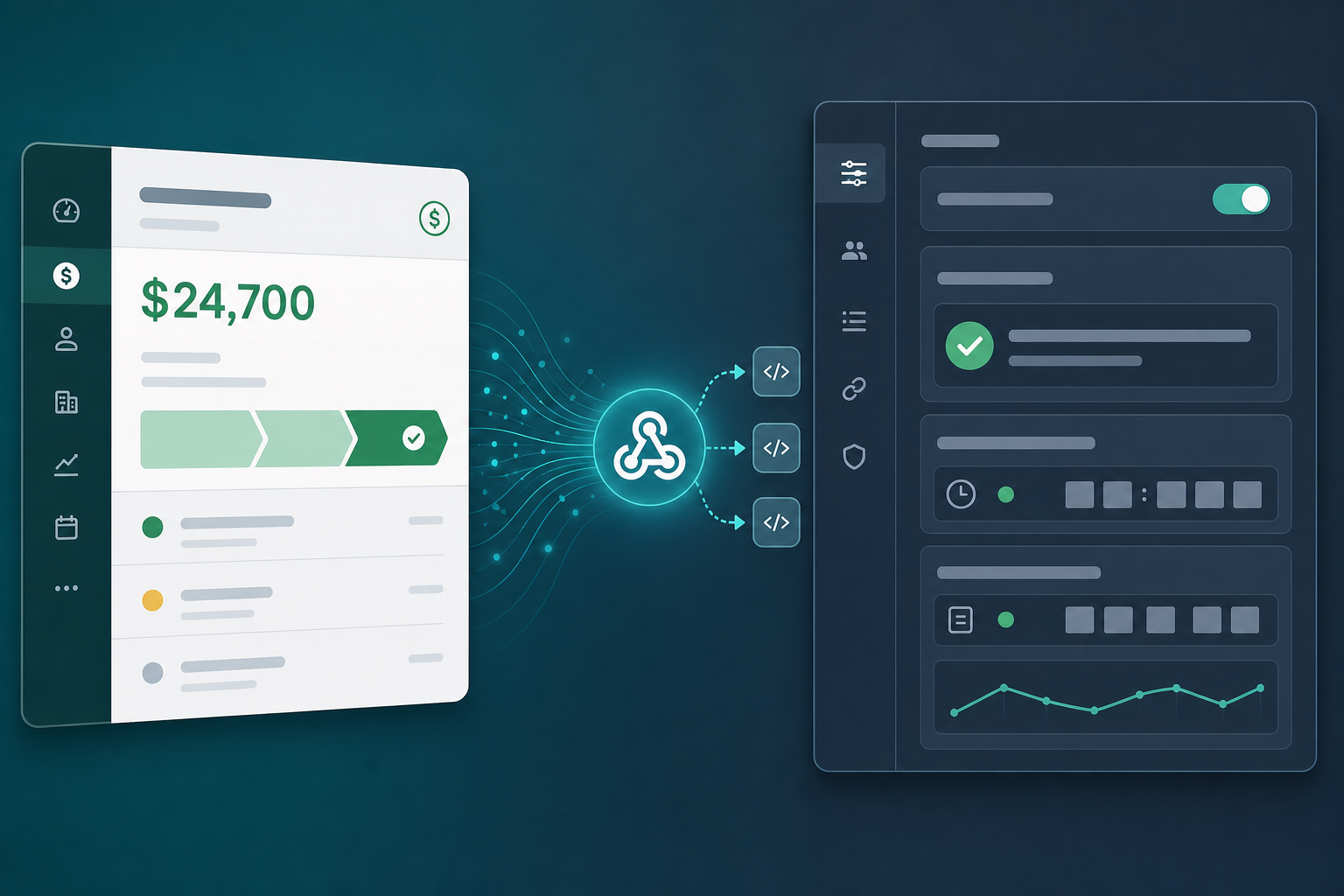
When a Pipedrive event does not produce the expected Jira issue, trace the handoff in stages: source change, event delivery, rule selection, Jira request, and visible result. A green connection indicator or successful HTTP response does not by itself prove that the intended work was created.
Use one clearly labeled sample deal with fictional data. Record its ID and event time, then investigate that exact event before changing several settings at once.
Separate transport from the business result
| Stage | Evidence to look for | Question it answers |
|---|---|---|
| Source | Deal history | Did the qualifying change actually occur? |
| Delivery | Webhook delivery record | Did the configured endpoint receive a request? |
| Selection | Connector rule result, where available | Did this event match the intended rule? |
| Jira action | Connector result or Jira error | Was issue creation attempted and accepted? |
| User outcome | Resulting issue and ordinary user access | Can delivery find and use the work? |
If the connector does not expose a particular stage, record that gap and ask its support team how to inspect it. Do not substitute an inferred success for missing evidence.
1. Confirm the event and rule agree
Check the deal's pipeline, stage, status, and relevant field changes at the recorded time. A rule intended for a won deal will not necessarily run when someone merely edits its title.
Confirm the configured source account and pipeline identifier. Similar names in a sample account and production account can conceal a connection to the wrong data.
Compare the event version supported by the connector with the webhook that was configured. Pipedrive's general webhook documentation distinguishes v2 from other webhook arrangements; do not copy configuration from an older guide without checking compatibility.
2. Read the delivery result correctly
Pipedrive's general webhook v2 guide, checked September 8, 2026, treats a 2xx response as successful delivery. It describes additional attempts after failed delivery and policies for endpoints that repeatedly fail. Its documented destination must be publicly reachable and must not redirect.
A delivered request may still be ignored by a business rule or fail later while creating Jira work. Conversely, an endpoint that processes a request but fails to acknowledge it can leave uncertainty about whether a later delivery repeats the action.
Keep the HTTP result, connector outcome, and resulting Jira issue as separate observations.
3. Investigate the narrowest likely cause
| Symptom | Useful next check |
|---|---|
| No matching event | Source object, actual change, and configured event type |
| Timeout or transport failure | Endpoint availability, network restrictions, and current delivery policy |
| Unauthorized response | Connector authorization and the expected authentication method |
| Delivery succeeds but no issue exists | Rule conditions, processing result, and destination settings |
| Jira rejects creation | Required fields, issue type, permissions, and returned validation detail |
| Issue exists but a user cannot see it | Project access, issue security, and the link being opened |
| Multiple issues appear | Repeated qualifying events, multiple rules, and duplicate handling |
These are diagnostic directions, not guarantees about the meaning of every status code in every connector. Use the actual error message and version-specific documentation.
4. Inspect required fields and destination permissions
A new required Jira field can break a previously working handoff. Check whether the configured account can create the chosen issue type and whether the mapping supplies valid required values.
If the issue arrives with missing business context, the transport may be healthy while the mapping is incomplete. Review the custom-field mapping guide rather than rebuilding the webhook first.
Also compare account permissions with the intended audience. An administrator seeing the sample issue does not establish that an ordinary delivery user can see it.
5. Resolve duplicate uncertainty before replaying
Before sending a sample event again or toggling a deal back into the qualifying state, search for an issue linked to that deal. Record whether one already exists.
Ask how the connector identifies repeated work: by event, deal, rule, or another key. Do not assume exactly-once processing. Replaying without understanding that behavior can create additional issues and make the original failure harder to diagnose. The duplicate-prevention design provides a separate implementation and acceptance-test pattern for this decision.
If a rule is selecting inappropriate real deals, use the connector's documented pause or disable control while investigating. Keep a list of affected source records so recovery can be reviewed deliberately.
Reconcile observations before counting successful handoffs
Use the fictional webhook investigation ledger to practice separating delivery records from business results. It contains eight observations, including a manual lookup; its columns are normalized investigation fields, not a Pipedrive webhook schema.
Five observations contain HTTP 200, but the ledger identifies only three distinct Jira issue keys. Some successful deliveries failed required-field validation or matched no rule. A repeated observation of DEL-101 still describes one issue.
| Deal | Evidence in the ledger | Next investigation |
|---|---|---|
| 4101 | DEL-101 is observed twice; a later event identifies DEL-104 under the same rule | Investigate two distinct issues for one intended deal/rule handoff |
| 4102 | Delivery is acknowledged, but a required field is rejected | Fix the mapping and verify the destination requirements before a controlled retry |
| 4103 | A delivery times out; a later lookup finds DEL-103 | Reconcile the existing issue before replaying the event |
| 4104 | Delivery succeeds, but the rule does not match | Determine whether exclusion is intended |
| 4105 | Authorization fails and no issue key is recorded | Restore authorization and establish what was processed |
The expected investigation results group observations by deal and rule, then count distinct issue keys. Our local check confirms the repeated reference is counted once and flags the deal with two different issues.
This demonstrates diagnostic bookkeeping. It does not prove that the connector prevents duplicates, nor that one issue per deal is appropriate for every workflow. Define your intended business unit first, and include additional boundaries such as project or handoff type when the real rule requires them. An empty issue-key cell means none was recorded in this ledger; it does not prove no issue exists.
For a field-related rejection, use the mapping test cases before changing webhook transport settings.
6. Send a useful support record
Collect the source deal ID, event timestamp with timezone, connector version, configured rule, destination, observed delivery result, and any Jira error. Include the expected outcome and whether an issue already exists.
Remove credentials, unnecessary customer details, and unrelated payload fields before sharing logs. Keep the original internal record so your team can reconcile the investigation later.
Once the path works, repeat the deal-to-issue acceptance check. Record the resulting issue and verify the handoff as a delivery user. The product overview describes the intended integration workflows; your local evidence establishes which one actually completed.