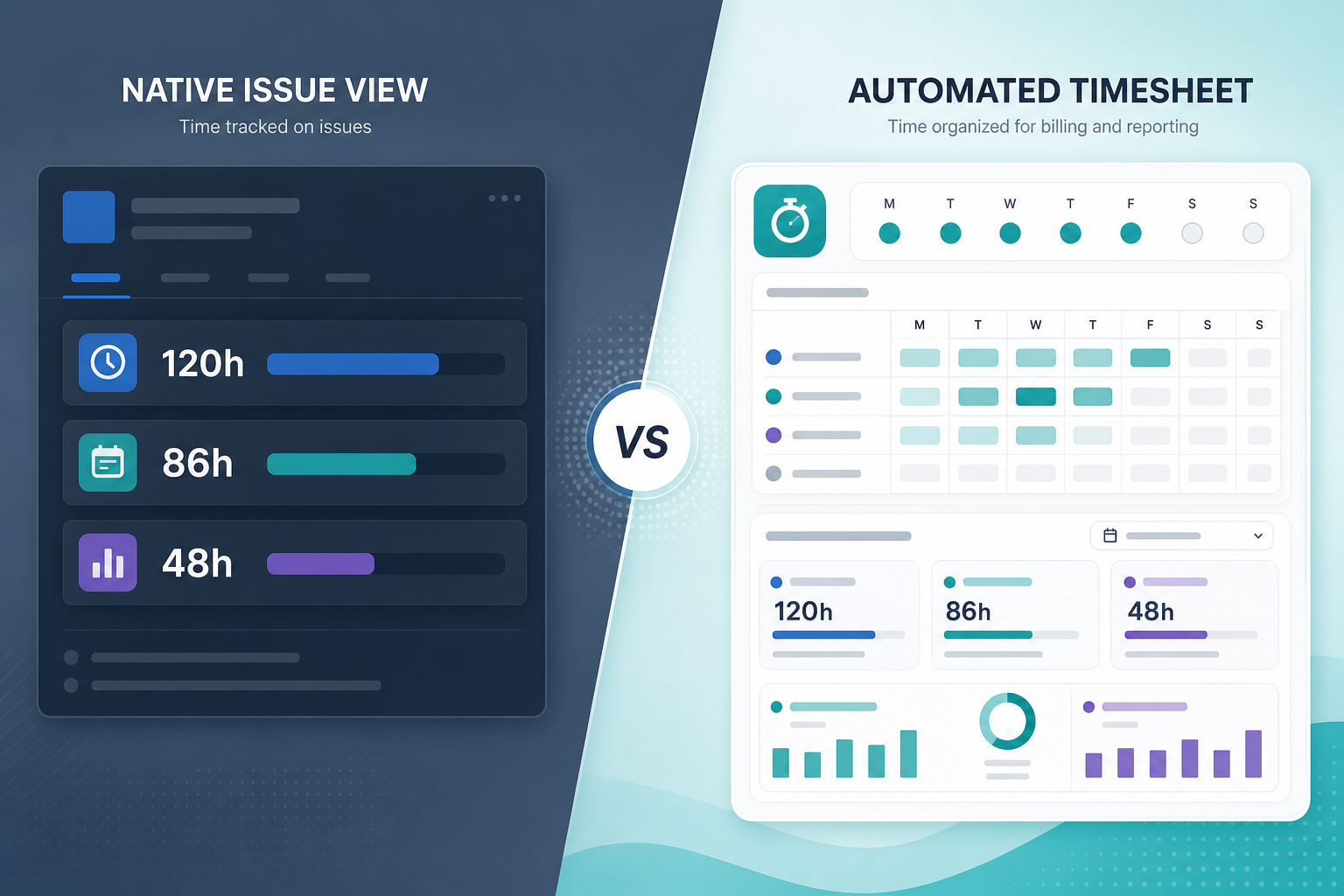
The steering meeting exposes two different gaps.
The delivery lead opens epic DEL-30. Child stories have worklogs. Original estimates exist on most issues. Remaining estimates drift. Nobody can defend the epic total from one native screen without exporting search results again.
Finance asks the follow-up:
"If Jira already tracks time, why are we evaluating Clockwork Jira?"
Because Jira time tracking at the native field level and Clockwork automated timesheets answer different reporting jobs. Native original estimate, logged time, and remaining estimate fields support issue-level budget reads. Clockwork adds Jira worklog automation, timesheet reporting, billing periods, billable hours, and estimates vs actuals workflows that native fields do not provide by themselves.
This is a reporting comparison, not a ranking.
Two Questions Before You Open Marketplace Tabs
Write the recurring question first.
Native field reporting question:
"For this issue or export scope, what was the original estimate, what is logged, what remains, and what is the forecast variance?"
Clockwork automation and governance question:
"Can we capture time more reliably, report timesheets and billable hours, lock billing periods, and compare estimates vs actuals without manual rebuilds?"
Native Jira is built for the first. Clockwork Pro is marketed for the second — with estimates vs actuals reporting as a bridge between them.
Quick decision flow:
- If logging habits are fine and the pain is reading totals → test native exports and scope rules first.
- If missed logging, billing periods, or billable rates are the pain → evaluate Clockwork or similar timesheet/capture apps.
- If worklogs exist but epic or project rollup is rebuilt in Excel every cycle → consider rollup category tools; Clockwork may be heavier than the job requires.
See Jira timesheets vs Jira time tracking for the broader category map.
Quick Comparison
| Dimension | Native Jira time fields | Clockwork Pro |
|---|---|---|
| Primary job | Issue-level estimate, logged, remaining, and variance | Automated capture, timesheets, billing, estimates vs actuals |
| Best when | Teams log correctly; reports are issue-level or repeatable exports | Capture, billable hours, billing periods, or cost/rate reporting is the gap |
| Typical buyer | Delivery leads, scrum teams, admins tuning fields | Finance, ops, admins changing logging and close process |
| Automation | Manual log work only | Timers, automation, calendar integration per vendor materials |
| Timesheet / period governance | No native equivalent | Timesheet reports and billing periods per HeroCoders docs |
| Hierarchy totals | Export math or dedicated rollup tooling | Vendor claims hierarchy and estimates vs actuals — verify in trial |
| Data foundation | Native worklogs and time fields on issues | May extend or replace logging as time tracking provider — verify |
What Native Jira Time Fields Give You
Atlassian's time tracking documentation describes issue-level logging: worklogs on work items, with logged time and remaining time visible on the issue.
When configured, native Jira time tracking provides:
- Original estimate — the baseline the team planned against
- Time spent — hours logged in worklogs
- Remaining estimate — the work the team still expects to need
- Permissions and field visibility controlled by admins
- JQL row filters —
timeSpent,originalEstimate,remainingEstimate,workRatio, and related fields find issues, not hierarchy sums — see Can JQL show time spent in Jira? - Search exports to CSV, Excel, and other formats for manual rollup math
Read together, the three time fields support forecast variance at issue scope:
time spent + remaining estimate - original estimate
See original estimate vs time spent in Jira for why spent variance alone misses early budget warnings.
Native paths work when teams log on the right issues, remaining estimates are updated during delivery, finance does not need billing-period locks, and the report scope is issue-level or a flat export the PM can repeat with documented scope rules.
Native paths strain when stakeholders ask for epic or project totals with child breakdown in one view, the same hierarchy rollup is rebuilt every cycle, finance needs timesheet submission or locked periods, or developers forget to log and leadership wants assisted capture.
What Clockwork Adds Beyond Native Fields
Clockwork Pro — Clockwork Automated Timesheets — is a Marketplace timesheet and capture app from HeroCoders.
At the time of prior verified research on this site (June 2026), the Clockwork Cloud listing showed Cloud Fortified status, Marketplace Bug Bounty participation, and a larger install count than rollup-focused apps on this site. Verify current pricing, hosting tabs, version, and review signals before procurement — this run did not re-fetch live Marketplace pages.
Public Marketplace and HeroCoders documentation materials describe:
- Automatic, manual, and timer-based time capture
- Calendar integration for logging assistance
- Timesheet reports and billable hours tracking
- Billing periods with lock behavior for invoicing or payroll — with documented vendor caveats
- Estimates vs actuals, budgeting, and cost/rate tracking
- Teams, permissions, and time tracking provider configuration
- Dashboard gadgets, API/JQL use, and Excel export
HeroCoders docs say Clockwork can be used immediately after installation, with deeper configuration for provider settings, billing periods, budgeting, and integrations.
Clockwork is stronger when the organization needs to change how time is captured and closed — not only how a project manager reads native fields on individual issues.
Reporting Comparison in Detail
Native issue-level read
Open one issue and you can answer estimate, logged, remaining, and forecast variance when fields are maintained. That is the core budget signal native Jira already stores.
Native hierarchy read
Jira does not natively assemble child worklogs into the defended total most project managers expect on an epic or project parent. Teams export rows and apply scope rules manually — the pattern in Why Jira worklogs look complete until you try to roll them up.
Clockwork estimates vs actuals
Clockwork public materials emphasize estimates vs actuals, timesheet reports, billable hours, and billing-period reporting across teams. Marketplace copy mentions advanced issue type hierarchy — treat that as a vendor claim to validate against your epic and project structures in trial, not as a guaranteed replacement for rollup discipline on native fields.
Remaining estimate
Native remaining estimate is powerful at issue scope when updated honestly — and fragile when worklogs are edited without explanation. See Jira remaining estimate reporting. Confirm whether Clockwork reports match how your process uses remaining estimate, not only original estimate and logged time.
Admin and Rollout Comparison
Native Jira baseline requires:
- Time tracking fields visible where teams work
- Work On Work Items permission for loggers
- Agreement on estimate entry and remaining-estimate updates
- Defined export scope so rollups do not double-count parent and child estimates
- Discipline so forecast readers understand worklog edit effects
Clockwork rollout typically adds:
- Decision whether Clockwork becomes the time tracking provider or extends native logging
- Permissions, teams, working hours, and active status rules per configuration docs
- Billing period design and lock behavior validation with finance
- Cost/rate and billable configuration if invoicing adjacency matters
- User training on timers, calendar capture, or timesheet submission habits
That is more process change than tuning native fields — appropriate when capture and billing governance are the gap, not when only hierarchy visibility is missing.
Marketplace and Security Notes
Treat Marketplace metadata as time-sensitive. Prior verified research noted Clockwork showed Cloud Fortified and Bug Bounty participation on the Cloud listing. That supports procurement diligence; it is not a compliance guarantee.
For any Clockwork trial, review:
- Marketplace Privacy & Security tab and partner privacy policy
- Whether Clockwork stores or processes data beyond native Jira worklogs when configured as provider
- Billing-period lock rules and exceptions documented by the vendor
- Current hosting tab if you need Data Center — verify on the exact listing you use
Atlassian's admin guidance notes third-party time tracking providers may store data with the app developer. See Before you install a Jira time tracking app, ask these 12 questions and provider admin risks.
Common Misfits
Clockwork for rollup-only pain
Symptom: worklogs exist on child issues; the PM exports and sums weekly; finance has no billing-period requirement.
Risk: months of capture and billing configuration for a report that needed hierarchy math on existing native fields.
Native export without scope rules
Symptom: every status meeting produces a different epic total because parent estimates, subtasks, and done issues are counted inconsistently.
Risk: blaming native Jira when the export scope was never locked — see original estimate vs time spent.
Assuming Clockwork hierarchy reports replace rollup discipline
Symptom: buyer expects epic child breakdown from Clockwork because the listing mentions hierarchy.
Risk: unvalidated report shapes — trial on real epics before rollout.
When Native Paths Are Enough
Stay with native fields — plus export discipline — when:
- Developers log reliably and the pain is reading totals, not capturing hours
- Finance does not require billing periods, billable rates, or timesheet locks
- Reports are issue-level or a stable JQL export answers the recurring question
- Remaining estimate is maintained well enough for forecast variance at issue scope
- The team documents scope rules and repeats the same export without weekly formula rebuilds
Test native paths first. Many Clockwork evaluations start because nobody validated whether the export already answers the question.
When Clockwork Is the Stronger Direction
Evaluate Clockwork when recurring questions include:
"Can we reduce missed logging with timers or calendar-assisted capture?"
"Can finance report billable hours by period and lock time after close?"
"Can we compare estimates vs actuals and cost rates without spreadsheet glue?"
Clockwork public materials emphasize Jira worklog automation, timesheet reporting, billing periods, and cost tracking — not just reading native fields on one issue at a time.
Choose Clockwork when process change for capture and billing is acceptable and native discipline has already failed.
When a Rollup Tool May Fit Instead of Clockwork
Some teams shortlist Clockwork when the real gap is hierarchy reporting on native worklogs.
Rollup-focused apps such as TimePillar position live project and epic rollups of estimated vs logged time, variance, child visibility, and PDF/CSV export from the Jira issue context — according to public vendor materials. Prior research on this site did not find public support for remaining-estimate rollups on TimePillar; verify if forecast variance at parent scope matters.
That category reads native worklogs rather than replacing capture workflow. It does not substitute for Clockwork billing periods, billable rates, or calendar-assisted logging.
See TimePillar vs Jira time tracking Marketplace apps for broader category context.
What to Verify in a Trial
Native baseline first
- Are all three fields visible and used: original estimate, time spent, remaining estimate?
- Does forecast variance at issue scope answer most budget questions?
- Can a repeatable JQL export produce the scope your PM sends to stakeholders?
- Where does hierarchy math break — epic, project, subtasks, or sprint scope?
Clockwork Pro
- Provider model: does Clockwork replace or extend native logging?
- Capture workflow: timers, automation, calendar — do users actually log more completely?
- Timesheet and billable reports finance needs
- Billing period lock behavior on real retroactive edits
- Estimates vs actuals report shapes for your epics and projects — do not assume epic child breakdown
- Cost/rates if billing adjacency is in scope
- Performance and permissions on a large project
- Current pricing, hosting tab, and Privacy & Security statements
Recommendation by Use Case
Choose native Jira time fields when the recurring question is:
"At issue scope, what did we estimate, what is logged, what remains, and what is the forecast variance — and can we export that reliably?"
Choose Clockwork Pro when the recurring question is:
"Can we automate capture, report timesheets and billable hours, lock billing periods, and compare estimates vs actuals with less manual reconstruction?"
Evaluate a rollup reporting app such as TimePillar when the recurring question is:
"Can I open this epic or project and see estimate, logged time, variance, and child breakdown — without installing capture or billing tooling we do not need?"
Run Clockwork when capture and billing governance are the gap. Run native discipline first when logging habits are fine. Run rollup category trials when the spreadsheet rebuild is the pain Clockwork was never meant to solve alone.
Start With the Field, Not the Marketplace Tab
Clockwork automated timesheets address capture, timesheet reporting, billing periods, and estimates vs actuals beyond what native original estimate, logged time, and remaining estimate fields provide on their own.
Native Jira still holds the underlying numbers. The buying decision is whether your gap is reading those numbers reliably at hierarchy scope, changing how they get logged and closed, or both.
Name the recurring report. Test native exports with disciplined scope. Trial Clockwork when automation and billing governance are the missing layer.
If the gap is live hierarchy rollup on existing worklogs, see how Jira time tracking reports with TimePillar fit the rollup category before you adopt capture tooling you may not need.