Week two of onboarding, finance asks whether the project still matches contract value.
The implementation manager opens ONB-104 in Jira. The epic description still shows USD 48,000 — copied from Pipedrive on handoff day. Sales revised the deal to USD 56,000 after a scope add-on. The primary contact changed after the customer's procurement lead took over; the description still lists the demo attendee. Delivery planned sprints against numbers and names that stopped being true days ago.
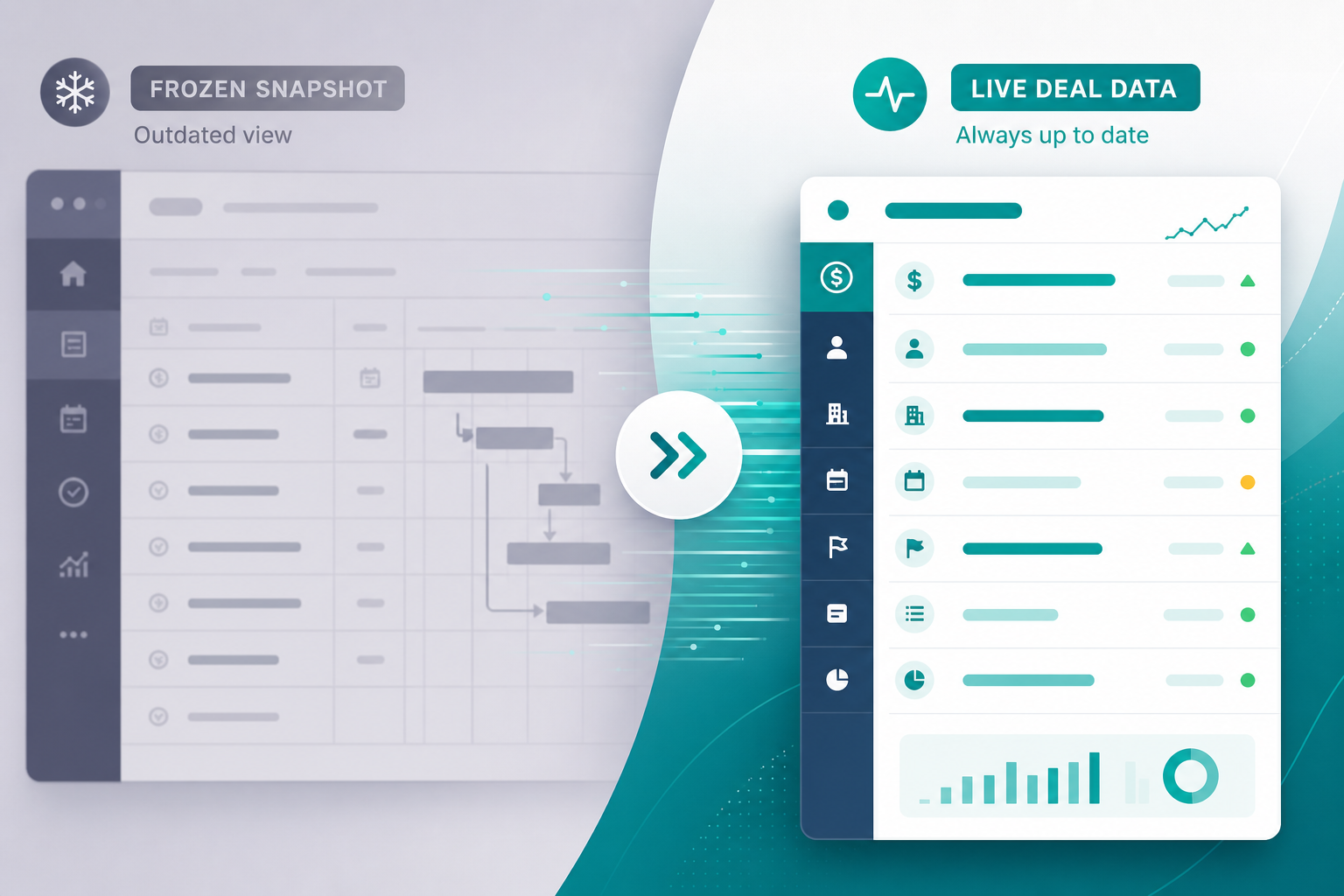
That is not a sprint execution problem. It is a Pipedrive issue context problem. The team had deal data inside Jira. It was frozen in description text.
"The description says one value. Pipedrive says another. Which one do I trust?"
Without live deal data Jira teams can read inside the issue view, delivery trusts the wrong artifact — the snapshot from create time.
A Week-Two Scenario Most Teams Recognize
The pattern repeats across agencies and SaaS implementation shops.
Handoff day: someone creates an onboarding epic and pastes deal title, value, contact, tier, and a note from the latest sales call. Day five: sales adds a scope line item and updates value in CRM. Day eight: the customer's new stakeholder replaces the contact on the deal. Day ten: the tech lead opens the same Jira epic for sprint planning and sees none of those changes.
Pipedrive's deal documentation treats deals as living records — value, stage, person, organization, owner, labels, and custom fields all change after the initial paste. Activities accumulate new call notes. Jira issue descriptions do not auto-refresh when CRM changes unless an integration rewrites them.
The workaround is familiar: open Pipedrive in a second tab, search for the deal, compare fields, paste updates into Slack. That works at low volume. It breaks when three onboardings run in parallel and every epic description diverges from CRM at a different rate.
Why Pasted Snapshots Feel Sufficient — Until They Are Not
Copy-paste handoffs succeed on day one because create-time text matches CRM at that moment.
They fail quietly afterward because:
- Descriptions are write-once narratives, not subscriptions to Pipedrive.
- Nobody owns refresh discipline — sales updates CRM; delivery assumes Jira is current.
- Comment threads bury current state — even when deal-update webhooks post change events, the latest value may sit below twenty status comments.
- Custom fields mapped only at create stay static in Jira unless separate automation updates them.
Each gap sends implementation managers back to CRM for context that should appear where they already work — inside the issue.
What a Pipedrive Panel in Jira Actually Is
A Pipedrive panel in Jira is contextual UI in the issue view — typically a Forge or Connect issue panel in the sidebar — that loads current deal data from Pipedrive when someone opens a linked issue.
That is a different model from description text or native Jira fields:
| Context source | When data reflects CRM | Best for |
|---|---|---|
| Description paste at handoff | Handoff moment only | Day-one narrative; historical create record |
| Jira custom field mapped at create | Last automation or manual update | JQL filters, dashboards, structured reporting |
| Comment from deal-update webhook | Each logged change event | Audit trail of what changed and when |
| Live issue panel (vendor: fetch on open) | When the linked issue is opened | Day-to-day work inside the issue view |
Backlog Bridge's public Pipedrive Integration for Jira product page describes a Pipedrive Jira issue sidebar showing deal status, value, expected close date, contact and company, latest sales note, pipeline stage, owner, and label — with data fetched from Pipedrive when the issue is opened. Treat the field list and fetch timing as vendor claims to verify in sandbox trial; do not assume every Pipedrive custom field appears in the panel.
The panel renders inside Jira Cloud's issue UI. It does not automatically populate native Jira custom fields or make deal values searchable in JQL unless you also map those fields at issue creation or update them through separate automation.
What Delivery Should See When Opening a Linked Issue
Implementation managers and tech leads reopen onboarding epics throughout standups, scope calls, and customer meetings. They need current commercial context without tab-switching.
A practical live panel should answer week-two questions immediately:
- What is the deal worth now?
- Is the deal still Won, or did status change?
- Who is the current contact and company?
- What did sales last record in notes or activities?
- Who owns the deal in CRM today?
- Which pipeline stage and labels apply?
Static description text answers these as they were on handoff day. A live panel answers them from Pipedrive at open time — assuming the issue is linked to a deal, integration credentials are valid, and Pipedrive is reachable. Unlinked issues show no panel; linking is usually established when automation creates the issue from the deal.
"Which integration tier did they buy?"
If that question still sends delivery to Pipedrive after you connected systems, tier may never have been mapped at create — or the description snapshot predates a CRM update the panel would show today.
What a Panel Does Not Replace
Do not overclaim against native Jira capabilities. Topic notes explicitly warn against treating sidebar UI as equivalent to Jira fields.
Native Jira custom fields remain the right home for values you filter in JQL, display on dashboards, or use in automation conditions. A sidebar panel helps humans reading an issue; it is not a reporting field.
Issue creation automation still matters. A panel does not create the onboarding epic, assign an owner, or enforce minimum field lists. For trigger and mapping work, see How to Auto-Create Jira Issues from Pipedrive Deals.
Deal-update comments document events ("Value: 5000 → 6000") but do not replace a current-state summary. Teams benefit from both: comments for history, panel for what is true when the issue opens.
Opening Pipedrive separately always shows current CRM state but breaks flow and duplicates permission boundaries.
Phrase the value precisely: a live panel reduces stale-description risk and tab-switching inside the issue view. It does not make Jira a CRM or sync every Pipedrive field into native Jira schema by default.
How Snapshots, Panels, and Comments Work Together
| Mechanism | Strength | Weakness |
|---|---|---|
| Description at create | Complete day-one narrative in one place | Goes stale; weak for reporting unless duplicated in custom fields |
| Live panel on open | Current CRM snapshot in issue sidebar | Requires link and API; not queryable in JQL |
| Deal-update comments | Timestamped change history | Thread noise; current value easy to miss |
| Jira custom fields at create | Dashboards and filters | Static unless separately updated |
Teams with creation automation alone still hit the week-two surprise. Teams with comment sync see that something changed but may still hunt for the current value in a long thread. A live panel addresses the "what is true now?" question at the moment someone opens the issue — complementary to, not a replacement for, the other layers.
When a Live Panel Is Worth the Admin Setup
| Signal | Description-only handoff may suffice | Consider a live issue panel |
|---|---|---|
| Post-handoff CRM change rate | Rare | Frequent value, contact, or note updates |
| Parallel onboardings | One or two active | Many active deals with similar titles |
| Issue reopen frequency | Low | Same epic opened daily for weeks |
| Custom field complexity | Title and value only | Tier, SLA, or region fields sales revises often |
| Reliance on latest sales notes | Minimal | Latest activity drives scope decisions |
If the primary pain is creating Jira work at all, fix triggers and field mapping first — see Deal Won in Pipedrive — What Should Happen in Jira Before Onboarding Starts?. If the pain is stale context after day one, a panel targets the right layer.
Five Steps to Validate Panel Behavior in Sandbox
Run this before production pipelines carry commercial data into issue sidebars:
- Create a test deal in Pipedrive with value, contact, tier custom field, and a distinctive activity note.
- Trigger linked Jira issue creation (or link manually per your integration's documented path).
- Open the Jira issue and confirm the panel loads expected fields per vendor documentation.
- Update value, contact, and note in Pipedrive without editing the Jira description.
- Close and reopen the Jira issue — confirm the panel reflects CRM changes while description text remains unchanged unless separately updated.
Document which custom fields appear in the panel versus description-only mapping. Adjust sales minimum-field policy if critical tier or SLA fields are panel-only and your reporting still depends on Jira custom fields.
What Jira Admins Should Verify Before Rollout
Connecting CRM data into issue UI is an admin decision, not only a sales request.
Linking and behavior
- How are issues linked to deals — automation at create, manual linking, or both?
- Which Pipedrive fields appear in the panel vs issue description at create time?
- What displays when Pipedrive API is unreachable or the token expired?
Access and visibility
- Which Jira project roles can open issues that show deal value, contacts, and notes in the panel?
- Should contractors or external users see commercial deal data in the issue sidebar?
Credentials and compliance
- Who owns the Pipedrive API token, rotation schedule, and least-privilege scope?
- Read vendor privacy statements and Marketplace security materials if procurement requires them.
No Atlassian Marketplace listing URL was provided in editorial metadata for this article, and listing details were not verified at the time of writing (July 2026). Search Marketplace for the app name and verify current pricing, hosting, scopes, and privacy tabs before installation.
Do not treat vendor marketing copy as procurement evidence. Confirm panel behavior with reproducible test deals rather than slide-deck claims.
Open the Issue, Not a Second Tab
Delivery teams live in Jira issues. Pipedrive issue context should be current there — not trapped in description snapshots from handoff week.
Static paste solved day-one copy-paste. It does not solve CRM drift after sales updates the deal again. A Pipedrive panel in Jira that fetches deal data when the issue opens addresses the gap between "we connected the systems once" and "the CRM changed yesterday."
Pair live panels with solid create-time mapping, comment or activity sync where you need audit trails, and clear handoff rules — so history and current state both exist. Verify every vendor claim in sandbox before production CRM data appears in issue sidebars.
See how Pipedrive Integration for Jira describes live deal panels alongside trigger-based issue creation and two-way status signals.
For why context disappears between systems, read The Sales-to-Delivery Handoff Gap.