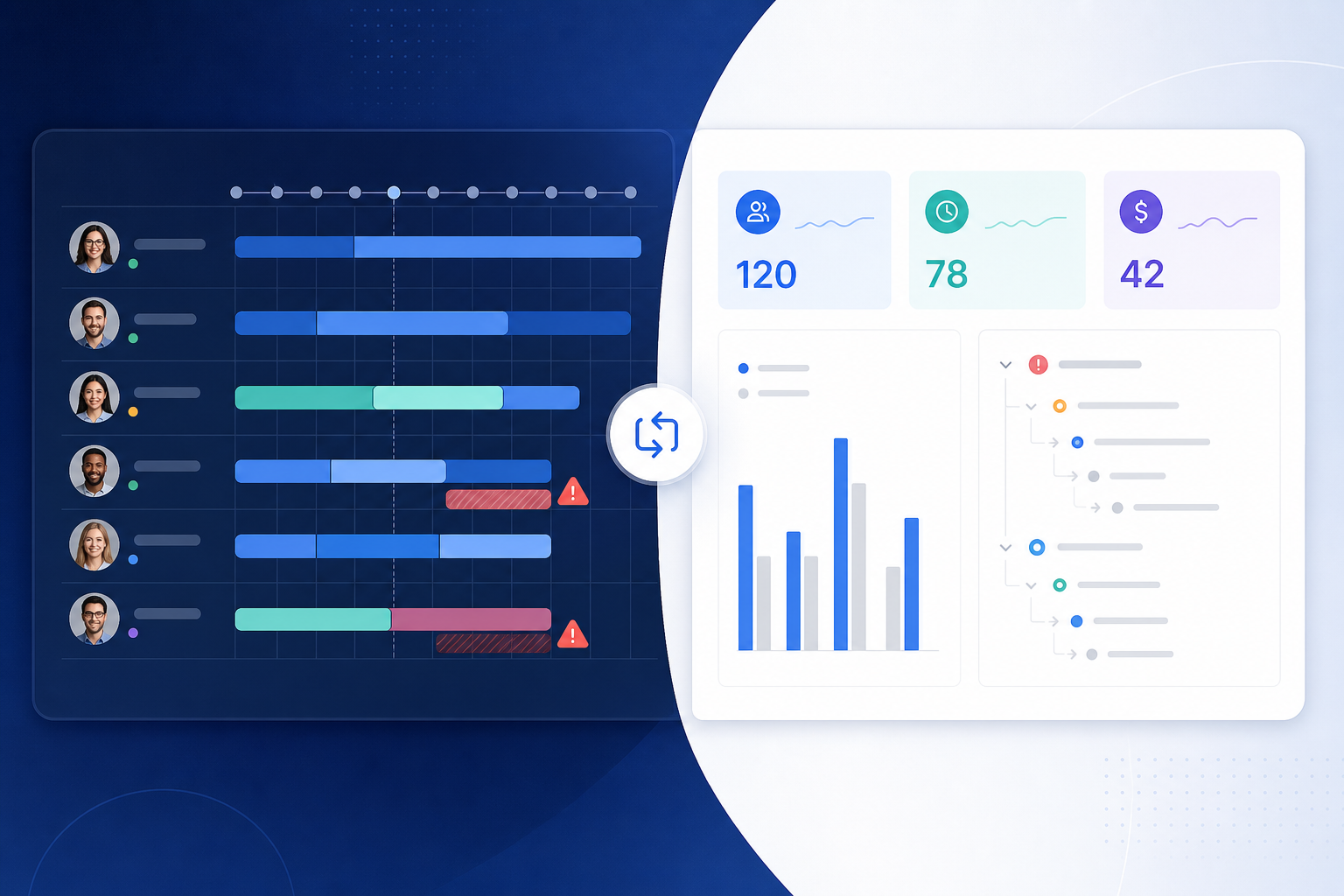
The capacity board looks balanced. The budget answer still lives in a spreadsheet.
The resource manager opens Tempo Planner before sprint planning. Team availability, planned allocations, and workload bars show who can take the next batch of stories. On paper, Jira capacity planning is working — people are scheduled, overallocations are visible, and the timeline reflects what delivery committed to.
Then the project manager joins the same review with a different question:
"For epic PAY-40, what did we estimate, what have we logged, where is the variance, and which child issues explain the gap?"
Tempo Planner may show that Alex is at 110% capacity next week. It does not automatically produce the epic-level budget defense finance expects in the steering deck.
Both questions involve hours. They are not the same reporting job.
Tempo Planner Jira evaluations often start because someone searched "capacity." The shortlist returns planning tools, timesheet suites, and rollup apps that all mention time. Resource managers and project managers evaluating Tempo capacity Jira workflows need to separate who-has-bandwidth planning from estimate-vs-logged Jira budget variance reporting — before procurement assumes one install covers both.
In this article, "Jira capacity" means native capacity features in Jira Plans (Premium/Enterprise) and the broader capacity-planning app category — not a single Jira app named "Capacity."
This comparison separates capacity planning from budget rollup jobs. It is a use-case comparison, not a ranking.
Two Questions Behind Every Tempo Planner Evaluation
Before opening Marketplace tabs, write the recurring report question.
Resource planning question:
"Who has capacity next sprint, where are we overallocated, and how does planned work compare with team availability?"
Budget variance question:
"For this epic or project, what did we estimate, what have we logged, where is the variance, and which child issues explain it?"
Tempo Planner — listed on the Atlassian Marketplace as Capacity Planner by Tempo — is built around the first question. Rollup-focused apps such as TimePillar are built around the second.
Quick decision flow:
- If the pain is team scheduling, allocation, and workload visibility → start with capacity planning (Tempo Planner or native Jira Plans capacity).
- If the pain is epic/project estimate vs logged time with child breakdown → evaluate budget variance rollup category first.
- If both apply → Tempo Planner may cover resource planning while delivery still needs a separate budget rollup path — confirm Tempo's planned-vs-actual views match your epic-level stakeholder questions before assuming one product covers both.
- If the question is timesheet approvals or billing → see Tempo Timesheets vs lighter rollup tools.
See Why timetracker Marketplace apps solve different problems for the broader category map.
Quick Comparison
| Dimension | Tempo Planner / capacity planning | Budget variance rollup |
|---|---|---|
| Primary job | Team capacity, resource allocation, planned vs actual at people/team level | Epic/project estimate vs logged time with child breakdown |
| Best when | PMO schedules work against availability | PM defends budget numbers in steering updates |
| Typical buyer | Resource managers, PMOs, delivery leads planning sprints | Project managers, delivery leads, client-facing stakeholders |
| Scope | Teams, people, periods, workload bars | One epic, project, or parent hierarchy |
| Time behavior | Planned hours vs capacity vs logged time at resource level | Baseline estimate, logged actuals, variance, child issues |
| Native Jira alternative | Jira Plans team capacity (Premium/Enterprise) | Jira search export + spreadsheet math |
| Not the main fit | Epic-level budget defense with issue audit trail | Team scheduling, skills modeling, leave calendars |
Which Conversation Are You Preparing For?
Before opening Tempo Planner or exporting search results, name the meeting:
- Sprint capacity planning: who can take work, overallocation, period scheduling — Tempo Planner or Jira Plans capacity views are often the right starting point.
- Portfolio roadmap review: cross-team shape, initiative timing, planning rollups — Jira Plans or Structure hierarchy tools; see Jira Plans rollups vs project reporting.
- Client steering update: named epic or feature, baseline vs actual, issues behind variance — budget variance rollup, often from native Jira export or issue-sidebar tool.
- Finance budget check-in: scope rules, forecast variance, audit trail — budget variance report with explicit estimate rules; capacity timelines alone may not satisfy finance.
If the meeting is in the third or fourth group, a capacity board that looks healthy may still leave the PM rebuilding epic totals afterward.
What Tempo Planner Is For
Capacity Planner by Tempo — commonly called Tempo Planner in buyer conversations — is Tempo Software's resource planning product for Jira.
At the time of prior verified research on this site (June 2026), Tempo Cloud products commonly showed Cloud Fortified status and Marketplace Bug Bounty participation. Capacity Planner-specific pricing, version, rating, and install count were not re-verified in a live Marketplace session during this run (July 21, 2026). Verify current listing details before procurement.
Tempo's public documentation and Help Center describe capacity planning capabilities including:
- Team capacity views and workload visualization across planning periods
- Resource allocation — scheduling work items against people and teams
- Planned vs actual comparisons at the resource and team level when paired with Tempo Timesheets logged-time data
- Timeline and scheduling views for delivery planning
- Integration with the broader Tempo platform (typically requiring Tempo Core companion app installation)
Prior site research on Tempo product boundaries notes that Tempo Timesheets covers logged time reports while planned-vs-actual resource views require Tempo Capacity Planner and financial reporting may require Tempo Financial Manager — verify current product packaging before assuming one install covers all jobs.
Tempo Planner is stronger when the organization needs to answer who works on what, when, and whether teams are overallocated — not just whether a specific epic is inside its hour budget.
That strength comes with admin surface area. Team structure, Tempo permissions, skills, and calendar configuration are meaningful setup topics. Resource planning culture matters: allocations only help when someone maintains them as scope changes.
Buyers comparing non-Tempo resource planning should also review alternatives such as ActivityTimeline on the Marketplace — verify listing details independently; this article does not rank capacity tools.
What Native Jira Capacity Covers
Jira Software Premium and Enterprise include Jira Plans with native capacity planning features.
According to Atlassian's Plans estimate rollup documentation, Plans can roll up estimates dynamically across initiatives and teams. Logged time on child work reduces planning totals. Atlassian positions Plans for cross-team roadmap shape, dependencies, and capacity conversations.
Native Jira capacity planning in Plans overlaps with Tempo Planner on the planning side:
- Team velocity and capacity inputs for sprint and release planning
- Initiative-level estimate rollups that respond to logged work
- Portfolio shape across multiple projects
Plans does not automatically replace operational budget variance reporting at delivery scope. See Advanced Roadmaps vs time spent reports.
When to stay native: if your organization already has Premium/Enterprise Plans, trial Plans capacity views before adding Tempo Planner — especially when Tempo Timesheets is not installed and tight Tempo suite integration is not a requirement.
When Tempo Planner may still win: teams already on Tempo Timesheets who want planned-vs-actual at resource level inside the Tempo platform — verify integration paths in trial.
What Budget Variance Reporting Needs
Project managers running delivery accountability usually need a narrower, repeatable report than a capacity timeline provides.
The scope is often:
- one epic or client feature
- one project or saved filter
- one stakeholder scope finance recognizes as the budget boundary
The report must usually show, in one place:
- original estimate or agreed baseline
- time spent from worklogs
- remaining estimate, when the team maintains it
- spent variance and forecast variance
- child issues that explain the numbers
Atlassian's time tracking documentation says Jira can show logged time and remaining time on work items. Teams log on stories, tasks, bugs, and subtasks — often not on the parent container the stakeholder names in the meeting.
Lock Estimate Rules Before You Compare Numbers
Variance reporting breaks when estimate levels are inconsistent.
Some teams estimate parent epics and use stories for execution. Some estimate only the lowest-level work. Some populate both.
Write the rule down before comparing Tempo planned-vs-actual totals with epic-level budget reports:
"Original estimate comes from parent issues only, and child issues explain execution — unless the parent estimate is empty."
Or:
"We estimate lowest-level work only; parent totals are rollups, not separate baselines."
Tempo reports, Plans rollups, and issue-sidebar rollups all become easier to trust when that rule is explicit. See original estimate vs time spent in Jira.
A Concrete Example: Capacity vs Budget
Imagine epic PAY-40 with 120 hours original estimate on the parent. Child stories have logged 78 hours across named issues.
Tempo Planner may correctly show that the team is at 95% allocation next sprint. The steering question still needs:
- Planned effort: 120 hours baseline on PAY-40 (per your written estimate rule)
- Logged time: 78 hours on scoped child work with issue names behind the total
- Variance: 42 hours of budget headroom — or an overrun if logging accelerates
That is Jira budget variance reporting — a different job from resource scheduling. See Why Jira worklogs look complete until you try to roll them up and Jira portfolio planned effort and logged time.
Where Tempo Planner Is Clearly Stronger
Be direct about Tempo Planner's advantages:
- Team capacity visualization — workload bars, overallocation warnings, and period-based scheduling are core Tempo Planner workflows. Budget rollup tools do not substitute for that planning surface.
- Resource allocation across people — assigning work to individuals and teams against availability is Tempo Planner's primary job, not epic-level variance explanation.
- Planned vs actual at resource level — when paired with Tempo Timesheets, Tempo can compare planned allocation with logged hours per person or team — useful for utilization conversations.
- Tempo platform integration — teams already on Tempo Timesheets and Tempo Core may get tighter planned-vs-actual paths than native Jira exports alone.
- Skills, teams, and calendar modeling — Tempo's platform supports richer resource models than a lightweight rollup panel.
Where Budget Rollup Tools May Be Enough — or Necessary
A budget variance rollup app may be sufficient — or necessary alongside Tempo Planner — when:
- Teams log time on issues today and resource planning is already handled elsewhere
- The recurring report is estimate, logged time, variance, and child breakdown at epic or project scope
- Stakeholder exports feed sprint reviews, client updates, or finance check-ins — not utilization planning
- Tempo Planner shows team workload but the PM still exports search results before every steering call
- Admins want minimal change to how developers log work
Tools such as TimePillar target the moment a PM opens the epic or project in native Jira and needs estimate, logged time, variance, and child visibility without an export step first. Public TimePillar Marketplace and product materials describe project and epic rollups, variance, percent of budget used, child-work visibility, and PDF/CSV export. The vendor claims zero configuration and that the app reads native Jira time fields — verify behavior in trial.
That category does not replace Tempo Planner's scheduling, team capacity, or resource allocation workflows. It reduces manual rollup loops for delivery budget defense.
One caution from prior public-source review on this site: TimePillar's materials support estimated time, logged time, and variance. I did not find public support for a remaining-estimate rollup. If your budget process depends on forecast variance using remaining estimate, verify that in a trial.
Tempo Suite Dependencies and Admin Checks
Tempo products are not one monolithic install. Prior site research and Tempo documentation patterns indicate separate products for timesheet governance (Timesheets), resource planning (Capacity Planner), and financial reporting (Financial Manager) — verify which your evaluation requires.
Before treating Tempo Planner as the answer to budget variance, confirm:
- Whether Tempo's planned-vs-actual views operate at resource/team level vs epic/project delivery scope
- Whether report exports match the stakeholder questions delivery leads bring to steering meetings
- Tempo Core installation and permission design across teams and projects
- Data storage and privacy statements on Marketplace Privacy & Security tabs
Atlassian's time tracking administration documentation notes that third-party time tracking providers may store data with the app developer. Review Marketplace tabs for all finalists. See Before you install a Jira time tracking app, ask these 12 questions.
Common Misfits
Tempo Planner for budget-only pain
Symptom: PM exports epic worklogs weekly; no resource scheduling or overallocation question.
Risk: months of Tempo team setup for a report that needed hierarchy budget math at issue scope.
Budget rollup tool for scheduling pain
Symptom: PMO needs workload bars, leave calendars, and cross-team allocation.
Risk: epic variance visibility without capacity planning — possibly Tempo Planner, native Plans, or ActivityTimeline — not rollup alone.
Assuming Tempo planned-vs-actual replaces epic explanation
Tempo can compare planned and logged time at resource level. Confirm whether those views give the client-facing epic breakdown with named child issues before assuming one Tempo install covers both planning and budget defense meetings.
Conflating Jira Plans capacity with budget variance
Plans rollups help portfolio shape. They do not automatically give delivery leads an audit-ready baseline-vs-logged pair at epic scope.
What to Verify in a Trial
Tempo Planner
- Tempo Core installation and permission model
- Team, skills, and calendar configuration for your org structure
- Capacity views and overallocation behavior for a real team
- Planned vs actual reporting shape — resource level vs epic/project level
- Integration with Tempo Timesheets logged-time data if Timesheets is installed
- Whether Financial Manager is required for cost or rate views
- Report exports for stakeholder questions delivery leads actually ask
- Current pricing, hosting tab (Cloud vs Data Center), and edition requirements
Budget variance rollup tool
- Hierarchy coverage for your epics, stories, tasks, and subtasks
- Estimate, logged time, and variance on your real parent issues
- Parent vs child estimate rules — avoid double counting
- Remaining estimate support if forecast variance matters
- Permission behavior for non-admin viewers
- PDF/CSV export quality without cleanup
- Performance on your largest real project
- Hosting model match (Cloud vs Data Center)
Recommendation by Use Case
Choose Tempo Planner when the recurring question is:
"Who has capacity next sprint, where are we overallocated, and how does planned work compare with team availability?"
Choose native Jira Plans capacity when the recurring question is similar but your organization already has Premium/Enterprise Plans and wants to avoid another Marketplace install — verify Plans capacity views match your planning workflow first.
Choose a budget variance rollup tool such as TimePillar when the recurring question is:
"For this epic or project, what did we estimate, what have we logged, where is the variance, which child issues explain it, and can I export that without rebuilding a spreadsheet first?"
Run both evaluation tracks when resource managers need Tempo Planner for scheduling and delivery leads still export epic totals manually — but confirm Tempo's reports satisfy the budget meeting before assuming one product covers both jobs.
For hierarchy planning vs budget rollup in a related Tempo product, see Structure for Jira vs time rollups.
Start With the Report, Not the Keyword
Tempo Planner is the right direction when Jira capacity planning means scheduling people against work — team availability, allocation, and planned-vs-actual at the resource level.
Jira budget variance reporting is a different job: baseline estimate, logged actuals, variance, and explainable child issues at epic or project scope.
Name the recurring report. Match the category. Trial Tempo Planner when workload and allocation are the gap. Trial a budget rollup tool when the spreadsheet rebuild before steering calls is the problem Tempo Planner was never meant to solve alone.