The account owner opens Pipedrive on Thursday afternoon.
The deal shows Won and the handoff note from two weeks ago. Nothing since. In Jira, onboarding epic ONB-104 moved from In Progress to UAT on Tuesday. Delivery announced it in standup. Sales never saw it.
Thirty minutes later, a Slack ping:
"Where are we on the Acme implementation?"
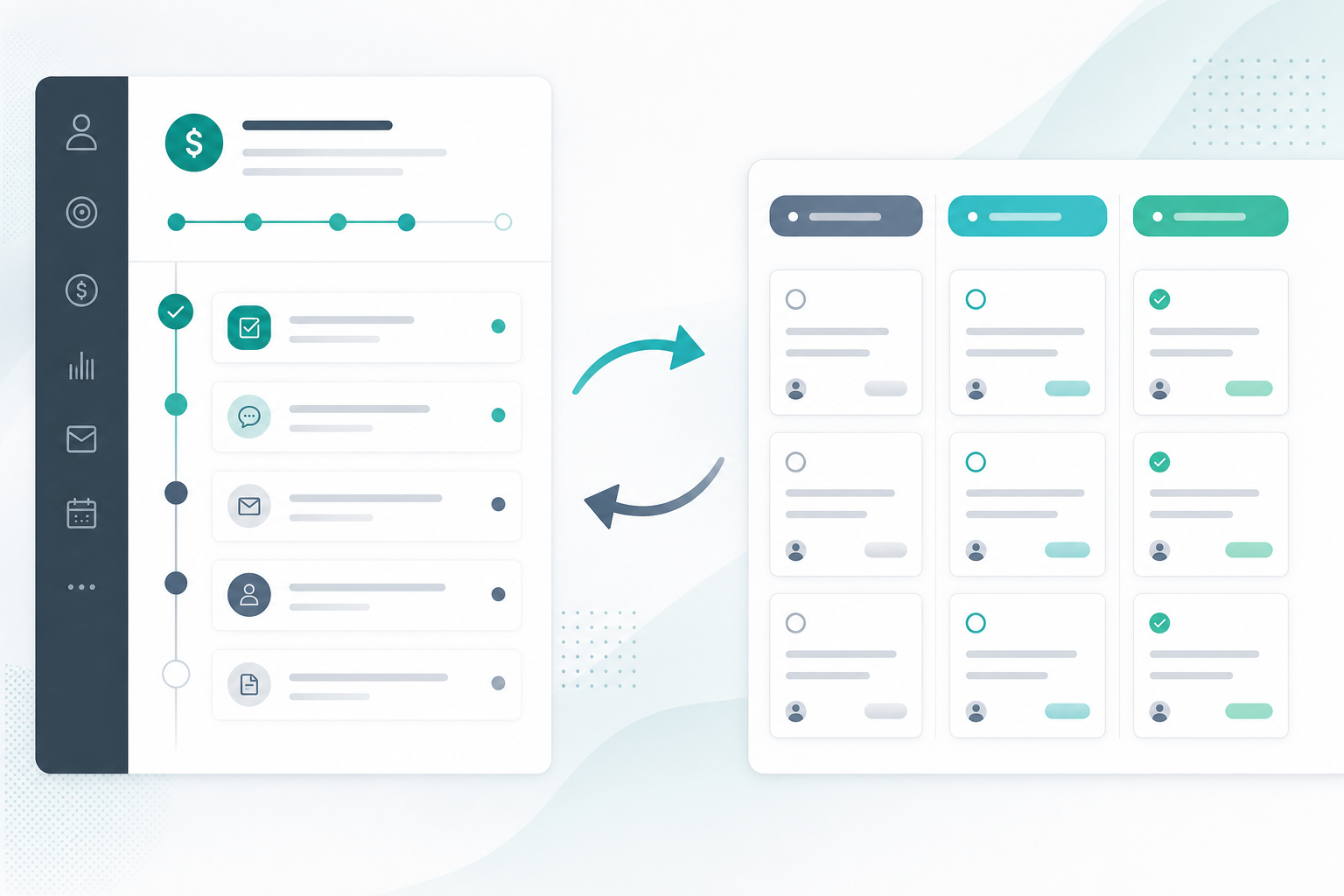
That is the gap sync Jira status to Pipedrive is meant to close. Delivery executes in Jira. Sales works from CRM. Without a Jira Pipedrive two-way sync reverse path, someone schedules a status meeting — or sales stops trusting the pipeline picture.
"Sales keeps asking if we're in UAT yet. Why isn't that in Pipedrive?"
Because workflow movement stayed in Jira until a human copied it — or until you configured delivery progress CRM visibility on the deal timeline.
What You Are Trying to Accomplish
You want Jira status changes on linked delivery work to appear where sales already looks: the Pipedrive deal record.
When a linked issue transitions — for example, To Do → In Progress → UAT → Done — the integration should create a Pipedrive activity from Jira: a timestamped timeline entry without someone pasting board screenshots into CRM.
A workable reverse-sync leg should:
- Detect status transitions on issues linked to Pipedrive deals.
- Create a Pipedrive activity with enough context to answer "what moved?"
- Control noise — not every comment, assignee change, or internal workflow step.
- Preserve the deal↔issue link from handoff or create automation.
- Surface failures when API tokens expire or the deal link breaks.
Issue creation from deals solves day-one handoff. Status activities solve week-two sales visibility.
Why Sales Visibility Breaks Without Reverse Sync
Most teams fix the forward path first: won deal → Jira epic with mapped fields. That removes copy-paste on handoff day.
It does not answer the question sales asks every week:
"Is implementation still moving?"
Progress lives in Jira statuses and boards. Pipedrive holds commercial context — value, contact, stage — unless someone updates CRM manually. Without reverse visibility, account owners infer delivery state from last week's call or a recurring sync meeting.
That pattern fails when parallel onboardings run, sales owners rotate, and customers expect CRM to reflect reality.
Two-Way Sync Is Usually Built in Layers
Jira Pipedrive two-way sync rarely arrives all at once. Teams typically mature through layers:
| Layer | Direction | What sales or delivery gets |
|---|---|---|
| Issue create from deal | Pipedrive → Jira | Day-one handoff with mapped fields |
| Live deal panel | Pipedrive → Jira (on issue open) | Current CRM state inside the issue |
| Deal update comments | Pipedrive → Jira | Audit trail when value or contact changes |
| Status activities | Jira → Pipedrive | Delivery progress on the deal timeline |
If you only have the first row, sales still chases delivery in chat. Reverse activities complete the loop for account owners who live in Pipedrive, not Jira.
For forward create triggers, see How to Auto-Create Jira Issues from Pipedrive Deals. For live CRM context inside issues, see Why Delivery Teams Need a Live Pipedrive Panel Inside Every Jira Issue.
Why Pipedrive Activities — Not Just Deal Fields
Pipedrive activities record calls, meetings, tasks, deadlines, emails, and notes on deals, contacts, and organizations. They appear on the deal timeline — where sales reviews history before customer calls.
Delivery progress is a sequence of events ("entered UAT," "ready for go-live"). Activities fit that shape better than silently editing deal value or hoping someone adds a manual note after standup.
The Pipedrive Activities API supports adding activities associated with a deal. Integrations typically POST an activity when an external event occurs — here, a Jira status transition. Exact required fields and activity types depend on your Pipedrive account; verify in API docs and sandbox rather than assuming a specific type.
| Visibility mechanism | Sales sees | Weakness |
|---|---|---|
| Weekly status meeting | Verbal summary | Poor scale; no durable CRM record |
| Manual CRM note after standup | Subjective summary | Inconsistent under load |
| Deal field edits | Current scalar values | Weak history for workflow events |
| Activity from Jira status change | Timestamped timeline entry | Requires link + integration; noisy if unfiltered |
Requirements Before You Enable Reverse Sync
Process
- Linked records: Onboarding epics (or equivalent) must map to a Pipedrive deal ID. Unlinked Jira work produces no CRM activity.
- Status vocabulary: Sales should recognize status names in activity text — or you document a translation layer.
- Noise policy: Agree which transitions belong on the CRM timeline vs internal workflow only.
Jira side
- Jira Cloud with an integration that reacts to issue updates (Marketplace or Forge app, or middleware).
- Delivery issue types and workflows — often epics created when deals are won. See Deal Won in Pipedrive — What Should Happen in Jira Before Onboarding Starts? for trigger timing.
- Permission to install and configure the integration in Jira admin.
Pipedrive side
- API token with permission to add activities on linked deals — confirm least-privilege scope in trial.
- Sales roles that can read activities on owned deals before logging delivery events visible to the whole revenue team.
Forward sync prerequisite
Reverse sync assumes the forward leg works: deal triggered issue creation or documented manual linking stores deal ID ↔ issue key. Fix create automation and webhooks before tuning reverse visibility.
How Status-to-Activity Sync Works
Whether you use a Marketplace app or middleware, the reliable pattern looks similar:
- Issue created and linked to a Pipedrive deal at handoff.
- Workflow moves the issue — status field changes in Jira.
- Integration receives an issue update event — app-specific trigger or webhook.
- Integration detects a status change — ignores non-status edits when configured correctly.
- Integration calls Pipedrive to add an activity on the linked deal with transition text and issue key.
- Sales opens the deal — new timeline entry appears.
Jira does not natively write Pipedrive activities. Something with Pipedrive API access and the stored deal link performs step 5.
Backlog Bridge's public Pipedrive Integration for Jira product page describes this reverse leg: Jira status changes create an activity on the linked deal. Vendor example wording: "Jira status changed: To Do → In Progress. Issue CHRON-53: [Pipedrive] Company 1." Treat exact text, activity type, filtering rules, and latency as claims to verify in sandbox — your status names and issue keys will differ.
Configure the Reverse Sync Path
Backlog Bridge describes Jira admin setup in three tabs — Connection, Automation Rules, and Webhook & Status — focused on forward automation and health monitoring. Public materials do not describe a separate toggle labeled "reverse sync"; status-to-activity behavior appears bundled with the linked integration once issue create and deal linking work.
Practical admin sequence:
- Connection tab: Pipedrive domain and API token with scope sufficient for activities and deal reads.
- Automation Rules tab: Trigger, project, issue type, and field mapping so issues link to deals at create time.
- Webhook & Status tab: Confirm inbound Pipedrive events process — forward sync health predicts whether reverse writes will also fail silently.
If reverse activities never appear after status moves, check deal linking first, then token scope, then whether your app documents status-transition filtering.
Design Status Names Sales Will Read on the CRM Timeline
Implementation managers and Jira admins share this decision.
- Customer-facing names ("UAT," "Go-live") belong on activities sales reads before calls.
- Internal statuses ("Waiting for DevOps," "Needs QA slot") may flood CRM or expose process detail customers should not see.
- Epic vs subtask linking: If only the onboarding epic is linked but the team moves subtasks, sales may see no progress. Confirm which issue type your integration watches — verify in trial, do not assume subtask rollups.
Document the agreed list in your handoff runbook alongside minimum Pipedrive fields from The Sales-to-Delivery Handoff Gap.
What Sales Should See on the Deal Timeline
Strong activity text answers without opening Jira:
- Which project moved? Issue key plus short summary
- What changed? From-status → to-status
- When? Activity timestamp from Pipedrive
Avoid dumping full descriptions or internal comments into activities — commercial stakeholders read the timeline, and noise erodes trust.
Pair activities with other sync layers when both history and current state matter: comments for Pipedrive-side changes, live panels for delivery reading CRM, activities for sales reading delivery movement.
Validate Reverse Sync in Sandbox
Run these after forward sync creates linked issues reliably.
Test A — Happy path
- Create a sandbox deal and trigger linked Jira issue creation.
- Move the issue through two meaningful statuses.
- Open the Pipedrive deal timeline and confirm activities for intended transitions.
- Verify text includes issue key and readable status names.
Test B — Non-status noise
- Change assignee or add a Jira comment without a status move.
- Confirm whether an activity appears — document filtering behavior for your runbook.
Test C — Unlinked issue
- Create a Jira issue without a Pipedrive link.
- Change status and confirm no orphan activity is attempted — or that errors surface in admin UI.
Test D — Token failure drill
- Note integration health indicators on the Webhook & Status tab (or equivalent).
- Revoke or expire the Pipedrive token temporarily.
- Perform a status transition and confirm failure is visible — not silent absence.
- Restore the token and confirm the next transition writes successfully.
Document observed latency in trial; do not assume instantaneous delivery.
Common Pitfalls
No deal link. Manual Jira issues never reach CRM. Enforce create-from-deal automation or a documented linking path.
Activity flood. Workflows with many intermediate statuses spam the timeline. Align with sales on which transitions warrant CRM entries.
Wrong issue granularity. Subtask movement while only the epic is linked looks like "no progress" to sales.
One direction working, other failing. Pipedrive→Jira uses webhooks; Jira→Pipedrive uses issue update handlers. Test both legs independently.
Treating activities as escalation. They show movement, not blockers. Stuck work still needs comments or calls.
Token rotation without retest. CRM admin changes can stop activity writes while Jira workflow continues.
What Jira Admins Should Verify Before Rollout
Linking and behavior
- How are issues linked to deals — automation at create, manual linking, or both?
- Which status transitions create activities, and which are ignored?
- What activity type and subject format appear in Pipedrive — verify in sandbox?
Access and visibility
- Which Pipedrive users see activities containing Jira keys and status text?
- Should contractors in Jira correspond to CRM-visible delivery events?
Credentials and compliance
- Who owns the Pipedrive API token, rotation schedule, and least-privilege scope?
- Read vendor privacy statements and Marketplace security materials if procurement requires them.
No Atlassian Marketplace listing URL was provided in editorial metadata for this article, and listing details were not verified at the time of writing (July 2026). Search Marketplace for the app name and verify current pricing, hosting, scopes, and privacy tabs before installation.
Do not treat vendor marketing copy as procurement evidence. Confirm reverse sync with reproducible test deals rather than slide-deck claims.
When to Use a Different Approach
Low deal volume. A weekly Jira walkthrough for sales may suffice until parallel onboardings make meetings costly.
Sales needs current state, not event history. Pair activities with live panels or agreed field updates if the primary ask is "where is it now?" not "what moved this week?"
Existing iPaaS. Zapier, Make, or similar can map Jira transitions to Pipedrive actions — flexible filtering, higher maintenance.
Primary pain is stale CRM data inside Jira. Prioritize live panels and Pipedrive→Jira comment sync; reverse activities help sales, not delivery reading CRM.
Put Delivery Progress Where Sales Already Works
Sync Jira status to Pipedrive turns workflow movement into CRM-visible history. Sales stops guessing whether implementation advanced since handoff week.
Mature Jira Pipedrive two-way sync in layers: create, live context, deal-change comments, then status activities. Define which transitions matter, validate in sandbox, and monitor token health after go-live.
See how Pipedrive Integration for Jira describes Jira status logging to Pipedrive activities alongside trigger-based issue creation and live deal panels.
For why context disappears between systems in the first place, read The Sales-to-Delivery Handoff Gap.