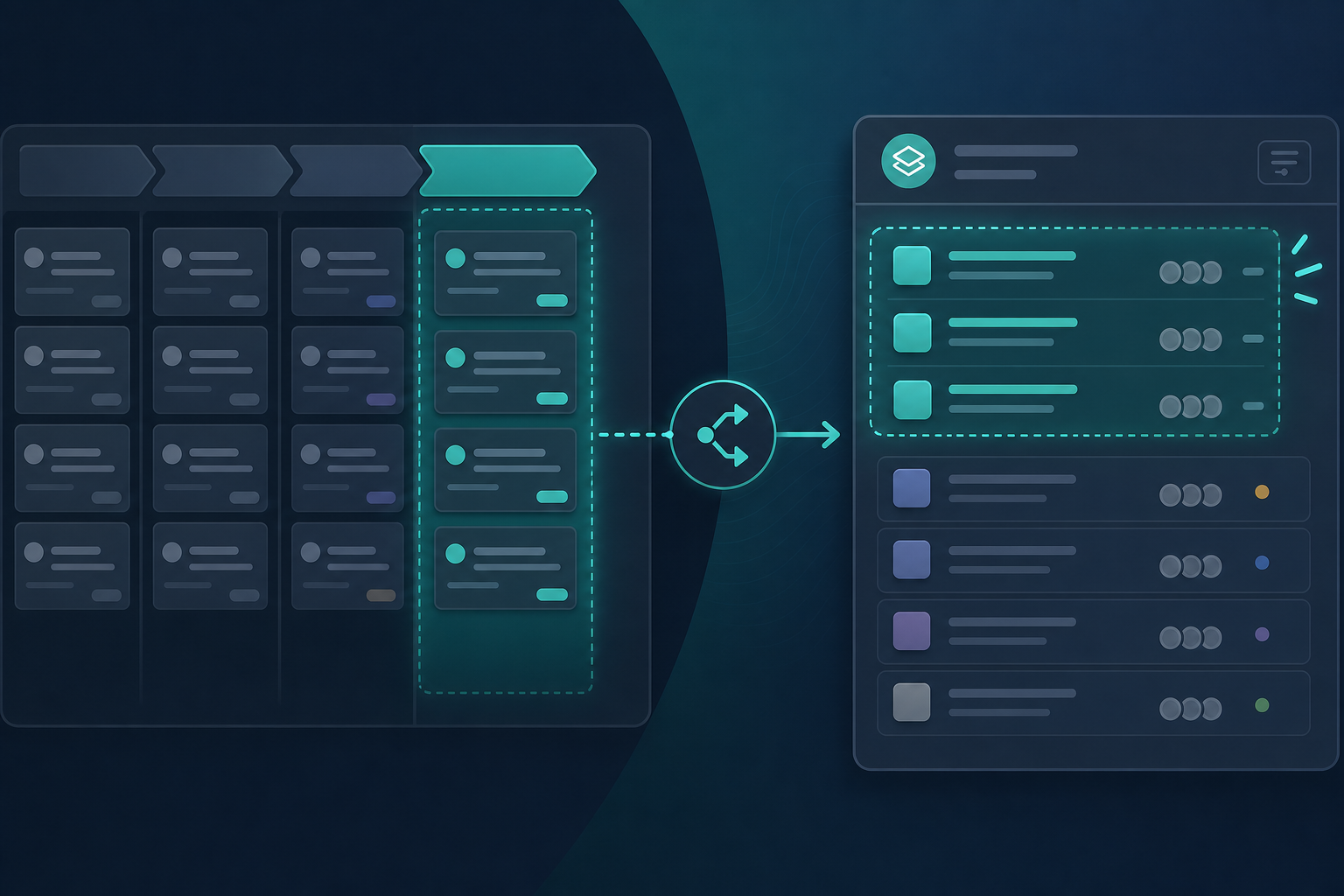
The deal hits Contract signed in Pipedrive on Tuesday. By Wednesday, delivery has three new Jira epics — two for deals still negotiating scope, and none for the enterprise win that closed Friday because finance marked it Won in a different pipeline.
That is what happens when a Pipedrive pipeline stage Jira trigger is chosen without a workshop. The integration works. The rule fires. The timing is wrong.
"We set it to Won, but onboarding already started in email two weeks ago."
That sentence from an operations lead is the symptom. The cause is a trigger that does not match how sales and delivery actually hand off work.
This buyer guide helps Jira admins and operations leads choose among deal created, stage reached, and deal won triggers — before opening the Automation Rules tab in any Pipedrive Jira integration.
Quick verdict
- Deal reaches pipeline stage fits teams that start delivery before revenue closes — agencies, long provisioning cycles, contract-signed handoffs.
- Deal won fits teams that gate onboarding on closed revenue — if sales completes required fields before marking Won.
- Deal created fits early Jira placeholders only with strict pipeline filters; otherwise it floods delivery with immature deals.
Trigger choice is a process decision. Configuration is the easy part.
Why Trigger Choice Is an Evaluation Decision
Pipedrive deal stage automation is not a default checkbox in Jira admin. It is an agreement between sales and delivery about when CRM data becomes delivery work.
Pick the wrong event and you get one of two expensive patterns:
- Too early: Jira fills with deals delivery cannot staff yet.
- Too late: Implementation reconstructs context from Slack while customers wait for kickoff.
Before comparing integrations, answer one question in plain language:
When should a Pipedrive deal become a Jira issue in our process?
Write the answer in a runbook. Then map it to a trigger type.
Signals: Which Trigger Fits Your Workflow
Use this table in an evaluation workshop. Pattern guidance — not a product recommendation.
| Signal in your org | Likely trigger | Why |
|---|---|---|
| Delivery plans kickoff before finance marks revenue | Deal reaches pipeline stage | Won fires too late if onboarding already runs in email |
| Onboarding capacity ties to closed deals only | Deal won | Revenue gate protects implementation scheduling |
| Legal closes contracts days before Won status | Named stage (for example, Contract signed) | Stage matches the real handoff moment |
| Every new lead should not become delivery work | Avoid deal created as default | Creation fires on immature opportunities |
| Discovery and onboarding are separate workstreams | Two rules — stage + won, or stage + stage | Different issue types and projects per phase |
| Multiple product lines use different pipelines | Multiple rules per pipeline | One global rule misroutes SMB into enterprise queues |
If the table produces conflicting answers across pipelines, you need multiple Pipedrive trigger rules — not one compromise trigger.
Three Events Integrations Typically Expose
Backlog Bridge's public Pipedrive Integration for Jira product page describes three trigger options in the Automation Rules tab:
| Trigger | Fires when | Best when | Watch out for |
|---|---|---|---|
| Deal created | A new deal enters Pipedrive | Forecasting placeholders in a filtered pipeline | Floods delivery without pipeline discipline |
| Deal reaches pipeline stage | Deal moves into a named stage | Delivery starts before revenue closes | Wrong stage name fires too early or late |
| Deal won | Deal marked Won in Pipedrive | Delivery starts at revenue close | Late if onboarding began earlier; thin tickets if fields empty |
Pipedrive deals move through pipeline stages as discrete events. Pipedrive webhooks carry those changes to integrations, which call Jira's issue create API.
Treat vendor trigger lists as configuration options to verify in trial — not as workflow recommendations.
Who Must Sign Off Before You Configure
| Role | Signs off on |
|---|---|
| Sales leadership | Which stage or status means "delivery may start" |
| Operations / delivery lead | Whether that moment matches staffing reality |
| Handoff verifier | Minimum Pipedrive fields required at trigger time |
| Jira admin | Project, issue type, permissions, and rule count |
| Finance (if relevant) | Whether Won must precede Jira onboarding work |
Ambiguity here produces the classic pattern: automation enabled, Slack still the real handoff, Jira tickets arrive at the wrong time.
Stage-Based Triggers: Choosing the Right Pipeline Stage
A Pipedrive pipeline stage Jira trigger only works when the stage name means the same thing to sales and delivery.
Strong stage candidates
Stages that represent a readiness gate:
- Contract signed
- Handoff ready
- Implementation queue
- Delivery approved
Weak stage candidates
Stages that track sales momentum, not delivery acceptance:
- Demo scheduled
- Proposal sent
- Negotiation
Pipeline naming discipline
The same conceptual gate may have different labels per pipeline — "Handoff ready" in Enterprise and "Signed" in SMB. Document one trigger line per pipeline:
"Pipeline
Enterprise→ stageHandoff ready→ Jira projectONBOARDING/ Epic" "PipelineSMB→ stageSigned→ Jira projectONBOARDING-SMB/ Story"
Workshop questions
- At which stage does delivery accept responsibility for the customer?
- Which custom fields must be complete before that stage move is allowed?
- Who verifies the record before automation fires?
- What happens if a deal moves backward out of the trigger stage?
- Should the same deal ever fire two stages in one pipeline (discovery then onboarding)?
If question five is yes, plan two rules with different issue types — not one rule that tries to cover both phases.
Won Triggers: When Revenue Close Is the Right Gate
Deal won is the most common default for when to create Jira issue automation — and the most misapplied.
Won fits when:
- Delivery officially starts only after revenue closes
- Sales completes required fields before marking Won
- Finance does not delay Won long after verbal commit
Won fails when:
- Onboarding already runs in email before Won
- Finance marks Won days after delivery kickoff
- Sales marks Won with empty tier, contact, or scope fields
If Won is your trigger, pair it with the readiness gate in Deal Won in Pipedrive — What Should Happen in Jira Before Onboarding Starts?. Automation without field discipline creates thin tickets at the right time — the wrong outcome with perfect timing.
Deal-Created Triggers: Early Placeholders Only
Deal created fires on every new opportunity.
Consider deal created when:
- Delivery wants lightweight Jira stubs for capacity forecasting
- Only specific pipelines should spawn work — confirm pipeline scoping in trial
- The created issue type is intentionally minimal, not a full onboarding epic
Avoid deal created when:
- Inbound leads would flood the implementation backlog
- No process owner enforces pipeline filters
- Sales and delivery have not agreed what "created" means for staffing
"Why do we have forty Jira epics with no assignee?"
That question often traces back to a deal-created rule without pipeline boundaries.
Multiple Pipelines Need Multiple Rules
Enterprise and SMB pipelines often need different triggers and Jira targets.
Backlog Bridge's public product copy describes one Pipedrive connection shared across automation rules, with per-rule trigger, project, issue type, and field selection. Verify in trial:
- Can each rule target a different Jira project?
- Can rules scope to a specific pipeline?
- Does moving through two monitored stages create one issue or two?
- What happens on webhook retry — duplicate issues or deduplication?
Document one line per rule before opening admin settings.
The Automation Rules Tab: Where the Decision Becomes Configuration
Once the trigger is agreed, the Automation Rules tab is where process meets configuration. Backlog Bridge's publicly described setup flow includes:
Connection tab (prerequisite)
- Pipedrive company domain and API token
- One connection shared across all rules
- Token permissions must cover deal read access for mapped fields
Automation Rules tab (this article's focus)
Per rule, admins typically configure:
- Trigger type — deal created, deal reaches stage, or deal won
- Stage selector — specific pipeline stage when using stage-based triggers; vendor copy states stages load from the connected account
- Target Jira project and issue type — where handoff work lands
- Field checklist — which Pipedrive fields appear in the created issue; custom fields load per vendor description
What this tab does not decide for you:
- Whether sales has completed required fields
- Who verifies the handoff before kickoff
- How post-handoff CRM changes reach delivery
- Duplicate policy when deals re-enter a stage
Those are process rules. The tab executes them once defined.
Webhook & Status tab (reliability)
- Register the Pipedrive webhook
- Monitor last event received, last processed deal, last created issue
- Surface failures when events stop — a correctly chosen trigger still fails silently without webhook health
For webhook registration and failure drills, see Pipedrive Jira Webhook Setup Checklist.
For full configuration steps after trigger selection, see How to Auto-Create Jira Issues from Pipedrive Deals.
Common Trigger Mistakes
Defaulting to Won without sales alignment. Delivery starts late; Slack remains the real channel.
Choosing a sales stage delivery does not recognize. Automation fires; nobody accepts the Jira work.
No minimum field list. Tickets appear with title and value only — tier and scope still trapped in Pipedrive.
One rule across unlike pipelines. SMB wins land in enterprise onboarding queues.
Ignoring backward stage moves. Deals slip from Handoff to Negotiation; orphaned Jira work stays open.
Treating create as full sync. Issue creation is a day-one snapshot. Post-handoff changes need comments, live panels, or update sync — see The Sales-to-Delivery Handoff Gap.
No webhook monitoring. Rules look live while events stopped weeks ago.
Validate Triggers Before Production
Run sandbox deals for each configured rule:
- Happy path — move a deal into the trigger stage or mark Won; confirm one issue in the correct project and type.
- Field coverage — verify tier, contact, and custom fields; adjust the field checklist if gaps appear.
- Backward move — drag a deal out of the trigger stage; document expected Jira behavior.
- Repeat fire — re-enter the stage or replay webhook delivery; confirm duplicate policy matches your runbook.
- Failure drill — break connectivity; confirm the status tab surfaces failure, not silent absence.
What to Verify Before Installing Any Integration
Connecting CRM triggers to Jira is an admin and procurement decision:
- Trigger rule matches the signed runbook — not an installer default
- Minimum fields mapped to summary, description, and Jira custom fields delivery filters on
- Per-pipeline rules where stage names or Jira targets differ
- Duplicate behavior on retry and re-entry
- Webhook health after token rotation or Pipedrive admin changes
- Permissions — which Jira users can see deal value, contacts, and notes
- Token custody — rotation schedule and least-privilege scope
- Marketplace listing — search for "Pipedrive Integration for Jira" and verify current pricing, Jira Cloud hosting, scopes, and privacy tabs at evaluation time
No Atlassian Marketplace listing URL was provided in editorial metadata for this article, and listing details were not verified at the time of writing (July 2026). Do not treat vendor marketing copy as procurement evidence. Confirm behavior with reproducible test deals.
Decision Worksheet
| Question | Your answer |
|---|---|
| When does delivery accept the customer? | |
| Which Pipedrive stage represents that moment — per pipeline? | |
| Does revenue close before or after that moment? | |
| Which fields must be complete at trigger time? | |
| Which Jira project and issue type receive the work? | |
| Do different pipelines need different rules? | |
| What happens on backward stage moves and webhook failure? |
Bring completed answers to the Automation Rules tab. Configuration goes faster when the argument is already settled.
Agree on Timing Before You Agree on Software
Pipedrive pipeline stage Jira trigger selection succeeds when operations and sales define timing before evaluating integrations.
Stage-based triggers fit pre-close delivery. Won triggers fit revenue-gated onboarding. Deal-created triggers fit filtered early placeholders — not default onboarding. Multiple pipelines usually need multiple rules.
Write the decision. Test with sandbox deals. Monitor webhook health after go-live. Then verify vendor behavior in trial against the same checklist — not the other way around.
See how Pipedrive Integration for Jira approaches trigger selection in the Automation Rules tab for teams ready to test rules in sandbox.
For why context disappears between systems, read The Sales-to-Delivery Handoff Gap.