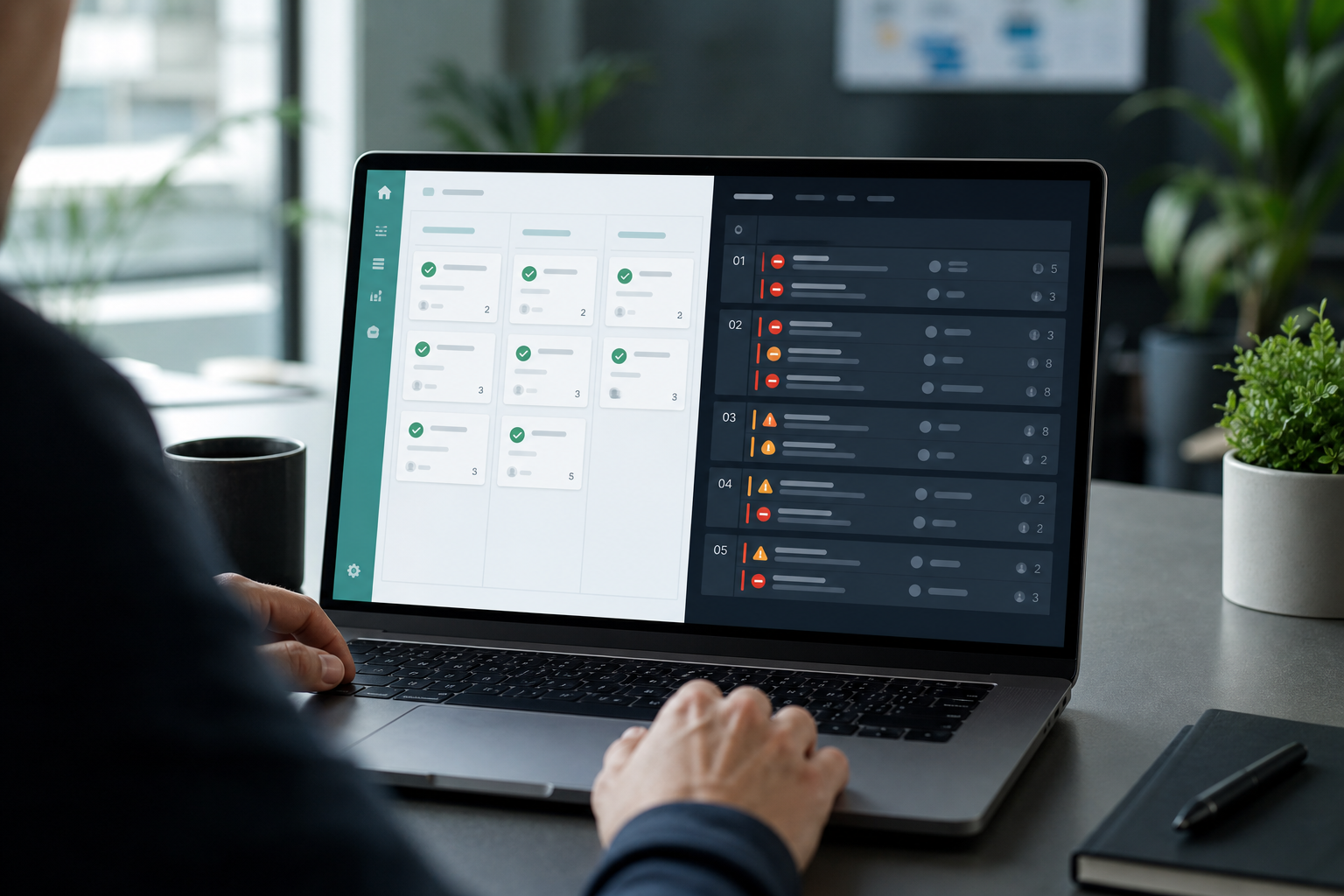
The implementation manager refreshed the Pipedrive project board before the customer call. Every onboarding task showed complete. Green checkmarks. Sales would be pleased.
Then she opened Jira. The integration epic was blocked. QA had three open defects. Sprint capacity had been replanned twice. None of that lived on the CRM board — because engineering never treated Pipedrive Projects as the system of record.
Leadership had asked the obvious question:
"We bought Pipedrive Projects. Why are we still paying for Jira?"
Sometimes you should not. Often you need both — for different jobs. The honest Pipedrive Projects vs Jira answer is not which tool wins a feature checklist. It is which delivery work you are trying to run, and whether CRM vs Jira delivery should share one system of record or split by discipline.
For the general connector overview rather than this project-management comparison, see Pipedrive Integration for Jira features and setup.
Quick decision flow
- If delivery is account-led, checklist-shaped, and low engineering volume → Pipedrive Projects may be enough. Stay in CRM and tighten templates.
- If delivery includes sprints, dev backlogs, QA workflows, or operational time reporting → Jira is usually the better execution layer.
- If sales stays in Pipedrive and engineering stays in Jira → define a handoff rule before you duplicate work on two boards. See The Sales-to-Delivery Handoff Gap.
- If Jira is required but deal context keeps going stale → evaluate structured Pipedrive–Jira connection, not another CRM board. See Pipedrive Integration for Jira.
This is a buyer guide by workflow, not a ranking.
Two questions buyers confuse
Teams evaluating Pipedrive project management usually mix two questions:
- "Can we run customer delivery inside Pipedrive?"
- "Do we still need Jira for execution, reporting, and engineering coordination?"
Projects answers the first for many sales-led teams. Jira answers the second for organizations where delivery looks like software implementation, agency production, or cross-functional PM at scale.
Neither question replaces the other. The expensive mistake is choosing Projects to avoid Jira admin work, then running a shadow Jira backlog anyway — without a handoff.
What Pipedrive Projects is
Pipedrive documents deals as the central sales object — value, stage, contact, organization, owner, and activity history. Projects extends that CRM world with boards and tasks for post-sale customer work so delivery stays adjacent to commercial context instead of disappearing into a separate tool.
In practice, Pipedrive project management typically means:
- A project linked to a deal or customer relationship
- Board columns or phases with tasks, assignees, and due dates
- Visibility for account owners and sales already working in Pipedrive
- Checklist-style coordination: kickoff, document collection, training, configuration milestones
Pipedrive's public help center describes Projects as part of its broader CRM workflow. Exact feature names, plan availability, and limits change over time — verify current Projects documentation on support.pipedrive.com before procurement. This article does not state pricing or subscription gates.
When Pipedrive Projects fits
Pipedrive Projects tends to fit when:
- Delivery is sales-led or account-led, not engineering-led
- Work is finite and checklist-shaped with clear owners per phase
- The same team that sold the deal coordinates most delivery steps
- Stakeholders want status next to pipeline data, not in another login
- Engineering sprints, bug queues, and time rollups are light or absent
Common fits:
- Simple SaaS onboarding with a dozen or fewer tracked steps
- Consultant-led professional services where one owner runs the journey
- Channel or reseller implementations without a dev backlog
- Renewal and expansion work framed as customer success tasks
In those cases, Jira can add admin overhead without solving a real execution problem.
Where Projects hits honest limits
Projects is a credible CRM-native delivery layer. It is not a full substitute for Jira-style execution when delivery complexity crosses a threshold.
Engineering-shaped work
When delivery includes development backlogs, releases, and QA sign-off, teams usually need issue types, workflows, and boards built for software delivery. Jira's epics, stories, subtasks, sprints, components, and versions map to how engineering and PM teams already plan.
A CRM task named "Build API integration" can track ownership and due dates. It does not provide the same sprint cadence, backlog grooming mechanics, or dev-centric reporting that Jira users expect daily.
Operational reporting
Delivery leadership often asks questions CRM boards answer only indirectly:
- How many hours burned against estimate on this customer?
- Which work is over budget before the steering call?
- What is blocked across five parallel implementations?
Jira supports time fields, JQL filters, dashboards, and hierarchy reporting for those operational questions. Pipedrive delivery workflow boards show task completion well; they are weaker as the system of record for complex delivery metrics.
Cross-team coordination
Software vendors, agencies, and platform teams frequently split sales, implementation, engineering, and support. When each function has its own cadence, one Pipedrive board becomes a compromise everyone tolerates and nobody trusts as authoritative.
The ignored board problem
"Sales loves the green board. Engineering never updates it."
That sentence is the practical limit. When the people doing the work do not live in Pipedrive, Projects becomes a status theatre layer while real execution happens elsewhere — usually Jira.
What Jira adds for delivery teams
Jira is where many organizations run execution after the deal closes:
- Structured backlogs with issue types and workflows
- Sprint or kanban delivery for engineering and PM
- Estimates, time tracking, and rollup reporting
- Permissions and project boundaries for larger teams
- Admin controls, automation, and integrations at scale
Jira does not natively link to Pipedrive deals. You gain delivery depth. You risk losing commercial context unless you design the handoff deliberately.
Comparison by delivery job
| Delivery job | Pipedrive Projects | Jira |
|---|---|---|
| Keep tasks next to deal context | Strong — native CRM linkage | Requires integration or manual linking |
| Sales visibility without a second login | Strong for CRM users | Weaker unless status syncs back |
| Checklist onboarding | Strong fit | Works; may feel heavy |
| Engineering backlog and sprints | Limited | Strong fit |
| Time tracking and budget rollups | Not a primary strength | Strong with fields and reporting |
| QA / bug workflow | Limited | Strong fit |
| Cross-team portfolio reporting | Limited | Strong fit |
| Workflow depth per work item type | Task-level simplicity | Deep configuration |
This is a job comparison, not a product ranking.
The hybrid trap
Many teams choose both — lightly.
Account management tracks customer-facing milestones in Pipedrive Projects. Engineering executes in Jira. On paper, each team has the right tool. In practice, nobody agrees which board is authoritative.
Common hybrid failures:
- The same milestone tracked twice with different statuses
- Engineers ignore the CRM board because their sprint board is in Jira
- Sales asks "where are we?" and gets task completion that does not reflect dev blockers
- Deal value changes in Pipedrive while the Jira epic still shows handoff-day numbers
The hybrid can work with explicit rules:
- Which tool owns which delivery phase
- When work graduates from Projects to Jira
- How status flows back to sales — meeting discipline, manual updates, or integration
Without those rules, you pay for two systems and still reconcile in Slack.
Five signals you have outgrown Projects-only delivery
- Engineering asks for sprints and treats CRM tasks as optional metadata.
- PMs export work to spreadsheets because boards lack rollup answers leadership expects.
- Bug and support work needs a different workflow than onboarding checklists.
- Multiple implementations run in parallel and dependencies are tracked outside Pipedrive.
- Post-handoff CRM changes rarely reach the people doing technical delivery.
The fifth signal is the handoff problem. Projects does not remove the need for deal context in Jira — it only delays when Jira becomes necessary.
Graduating from Projects to Jira without losing context
Teams often start Projects-only and add Jira later. That transition fails when it is treated as a tool swap instead of a process change.
Practical graduation rules:
- Name the graduation trigger. Example: "When a deal needs engineering backlog work, delivery moves to Jira within 48 hours."
- Publish a minimum field list. Sales must populate listed custom fields before Jira accepts the handoff — see Which Pipedrive Pipeline Stage Should Trigger Jira Issue Creation?.
- Archive, do not duplicate. Decide whether CRM project tasks close when Jira work opens, or you will maintain two conflicting statuses.
If step three is undefined, you inherit the hybrid trap immediately.
Keeping deal context when Jira wins
Choosing Jira for delivery does not solve the CRM handoff. It moves the problem.
A workable cross-tool workflow usually defines:
- Trigger: When does a deal or project phase create Jira work?
- Minimum fields: What commercial data must appear in Jira at creation?
- Live context: How do week-two deal changes reach delivery?
- Reverse path: How does Jira progress reach sales in Pipedrive?
- Ownership: Who resolves conflicts when boards disagree?
Manual copy-paste can work at low volume. Structured integration matters when deal change rate, custom-field complexity, or implementation volume outgrows human discipline.
Backlog Bridge's public Pipedrive Integration for Jira product page describes a bridge pattern for teams that keep sales in Pipedrive and delivery in Jira:
- Trigger-based Jira issue creation when a deal is created, reaches a pipeline stage, or is won
- Pre-filled issue content with deal title, value, contact, owner, and selected custom fields
- A live Pipedrive panel on linked Jira issues — deal data fetched when the issue is opened per vendor description
- Jira status changes logged as Pipedrive activities, and deal updates posted as Jira comments
Evaluate that direction when the recurring pain is stale snapshots and missing reverse visibility — not when the primary problem is delivery execution inside Jira alone. Treat vendor copy as a sandbox trial hypothesis.
No Atlassian Marketplace listing URL was provided in editorial metadata for this article, and listing details were not verified at the time of writing (July 2026). Search Marketplace for the app name and verify current pricing, hosting, scopes, and privacy tabs before installation.
For create-time automation design, see How to Auto-Create Jira Issues from Pipedrive Deals. For week-two context, see Why Delivery Teams Need a Live Pipedrive Panel Inside Every Jira Issue.
What Jira admins should verify before connecting Pipedrive
Connecting CRM data to Jira is an admin decision, not only a sales request.
- Who owns the Pipedrive API token, rotation policy, and least-privilege scope?
- Which Jira users can see linked deal value, contacts, and notes on issues or panels?
- Which pipeline stages create Jira work, and how are duplicate issues prevented?
- Do Pipedrive webhooks reach your integration endpoint with visible failure signals?
- Which custom fields map to description text vs Jira custom fields?
- What privacy statements apply if procurement requires Marketplace or vendor documentation?
I did not verify SOC 2, GDPR, Cloud Fortified, or DPA claims for any tool in this article. A human reviewer should verify before publishing procurement guidance.
Recommendation by team type
Stay in Pipedrive Projects when:
- Delivery is account-led, checklist-shaped, and low volume
- Engineering is not the primary execution function
- Sales visibility inside CRM matters more than sprint or budget reporting
Add Jira when:
- Engineering, QA, or PM teams need backlog and sprint mechanics
- Leadership expects time, estimate, or budget rollups from delivery work
- Multiple implementations run in parallel with dependencies
- Delivery stakeholders already live in Jira daily
Keep both only with rules when:
- CRM boards serve customer-facing milestones and Jira serves technical execution
- You document phase boundaries, owners, and status sync expectations
- You accept integration or disciplined manual updates between systems
Evaluate Pipedrive Integration for Jira when:
- Jira is the delivery system of record but deal context keeps going stale
- Sales needs reverse visibility without chasing screenshots
- Jira admins want webhook health and automation configuration inside admin
What to verify before choosing
If you standardize on Projects
- Confirm current Pipedrive plan includes Projects and required seats on live pricing pages
- Define project templates and ownership per deal type
- Document when a deal graduates to Jira if engineering work appears later
- Train sales on what "done" means on a CRM board vs a dev backlog
If you add or keep Jira
- Write the handoff trigger and minimum field list before the next won deal
- Test whether manual updates will survive your actual deal volume
- If evaluating integration, verify live panel fields, webhook health, and reverse activity noise in sandbox
- Confirm Jira permission boundaries match who should see commercial data
Confirm behavior with reproducible sandbox deals — not slide-deck claims.
The buying question
Pipedrive Projects vs Jira is not a universal replacement debate.
Projects is a credible answer when delivery stays sales-led and checklist-shaped inside CRM. Jira is the better fit when delivery looks like engineering execution, operational reporting, and cross-team coordination at scale.
Pick the system of record for the delivery job first. If that system is Jira, solve the handoff second — trigger, fields, live context, reverse visibility. Projects can reduce tool sprawl for the right team. It cannot magically give engineering a sprint board, PMs a budget rollup, or sales an accurate picture of dev blockers unless the people doing the work actually live there.
See how Pipedrive Integration for Jira approaches live deal context, automated issue creation, and two-way updates for teams running both tools. For the underlying context problem, read The Sales-to-Delivery Handoff Gap.